
Are you struggling with getting your 5th-grade students to speak more during the “can / can’t” unit in English class? Do they tend to use the same repetitive verbs over and over?
Discover “canbat” (Can-Battle: Helper Monster Factory), a groundbreaking hybrid educational app that seamlessly blends face-to-face communication (analog) with digital engagement! Explore how this app can dramatically increase your students’ English output with absolutely zero preparation required.
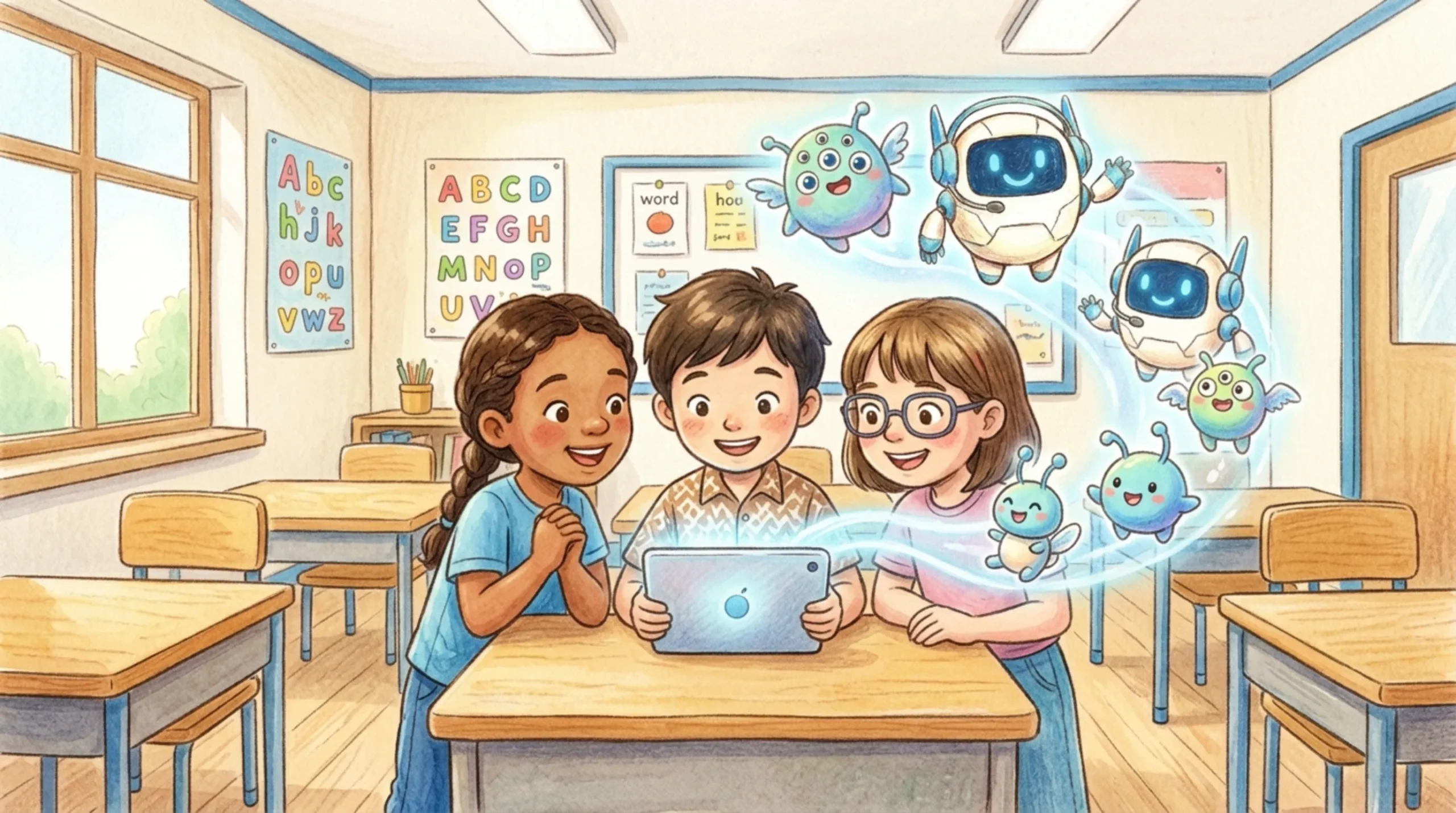
1. Boost Motivation by Creating Original Monsters!
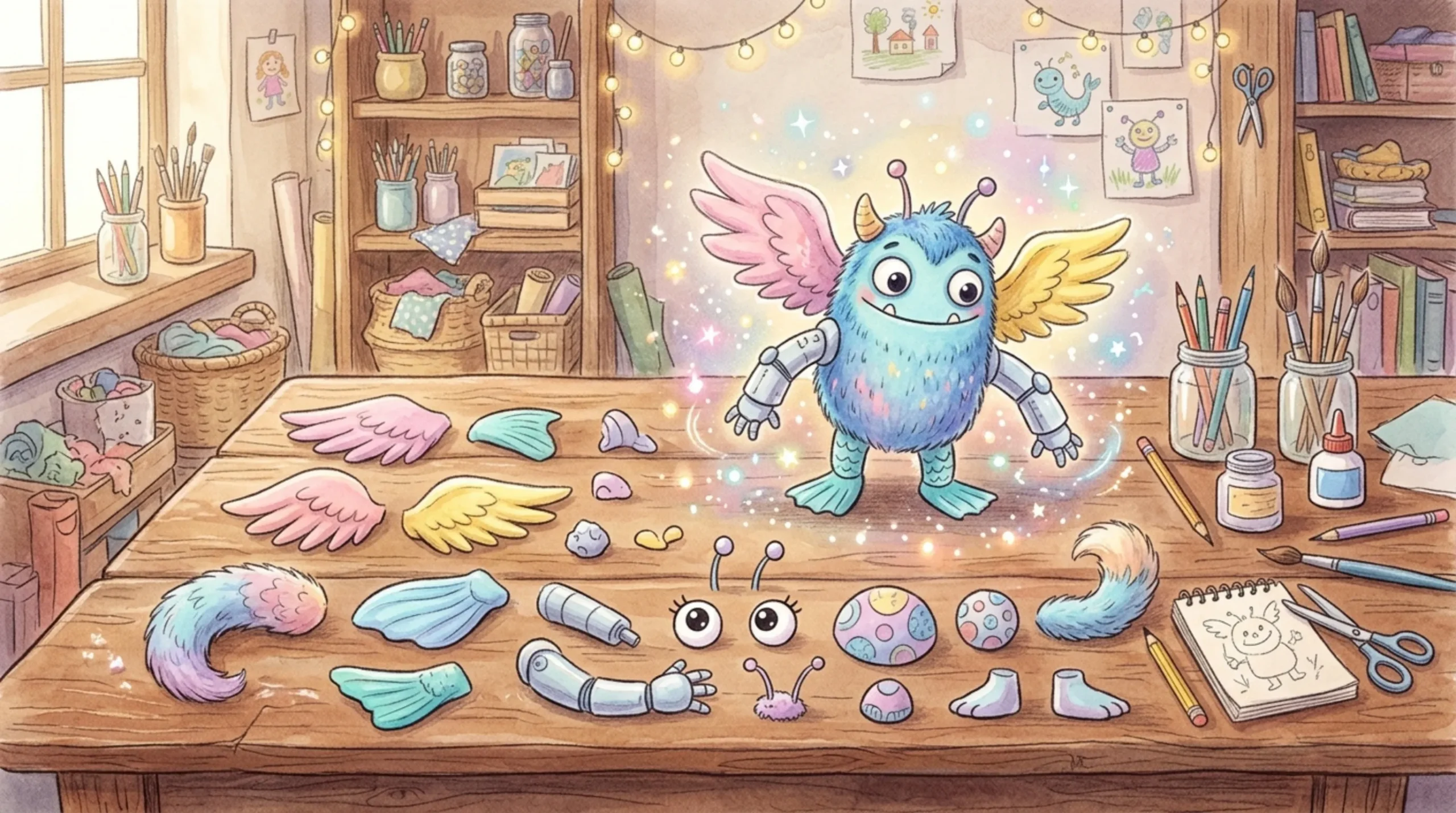
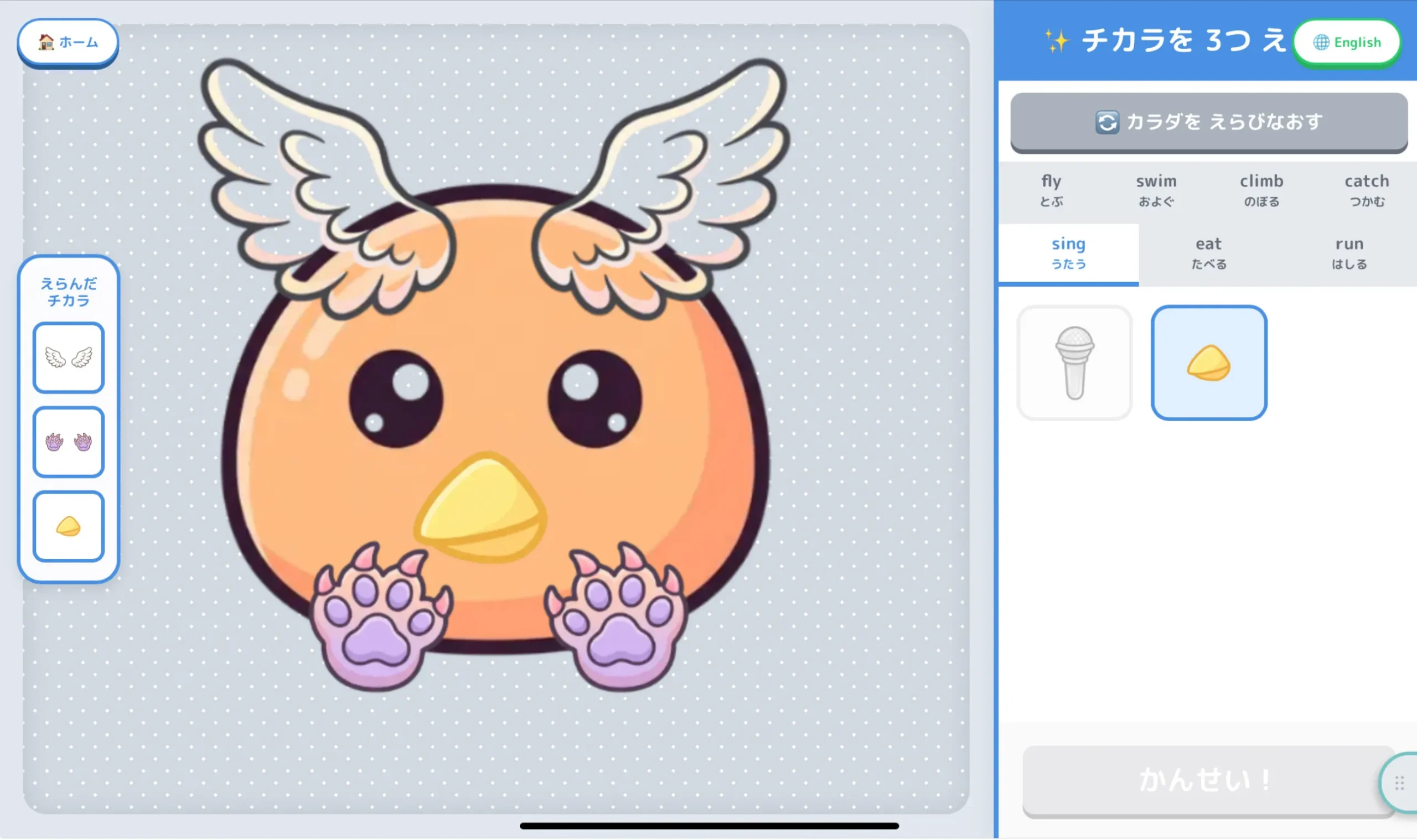
Students start by choosing a body shape and combining three powers (parts) such as “fly,” “swim,” “climb,” or “sing” to craft their own unique “Helper Monster.” The app features an intuitive canvas editor where students can adjust the layers, positions, angles, and sizes of each part.
💡 Educational Value: Because students battle with a character they created themselves, their enthusiasm and desire to showcase their monster’s abilities skyrocket!
2. Real Face-to-Face Battles! (Analog x Digital)
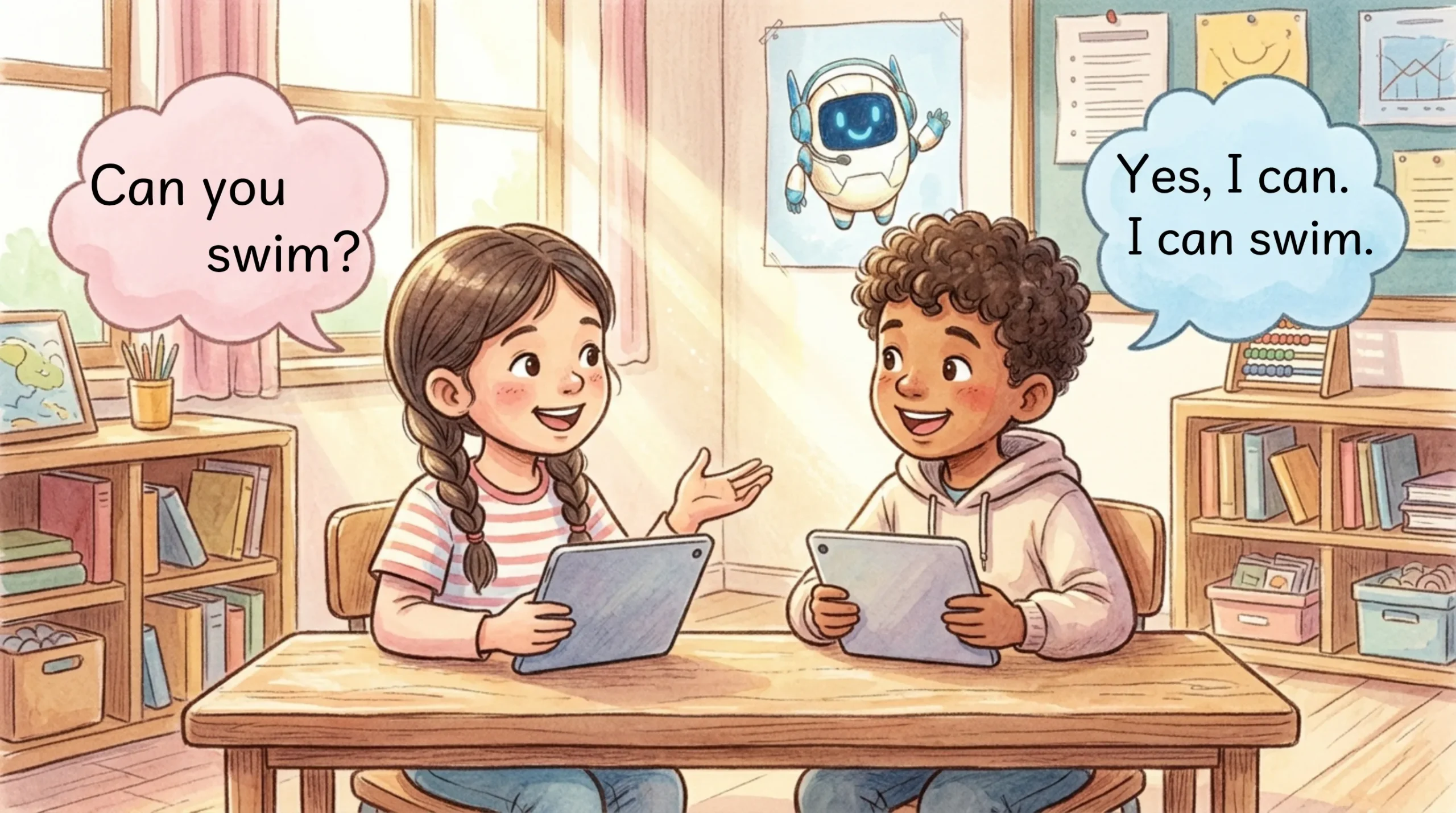
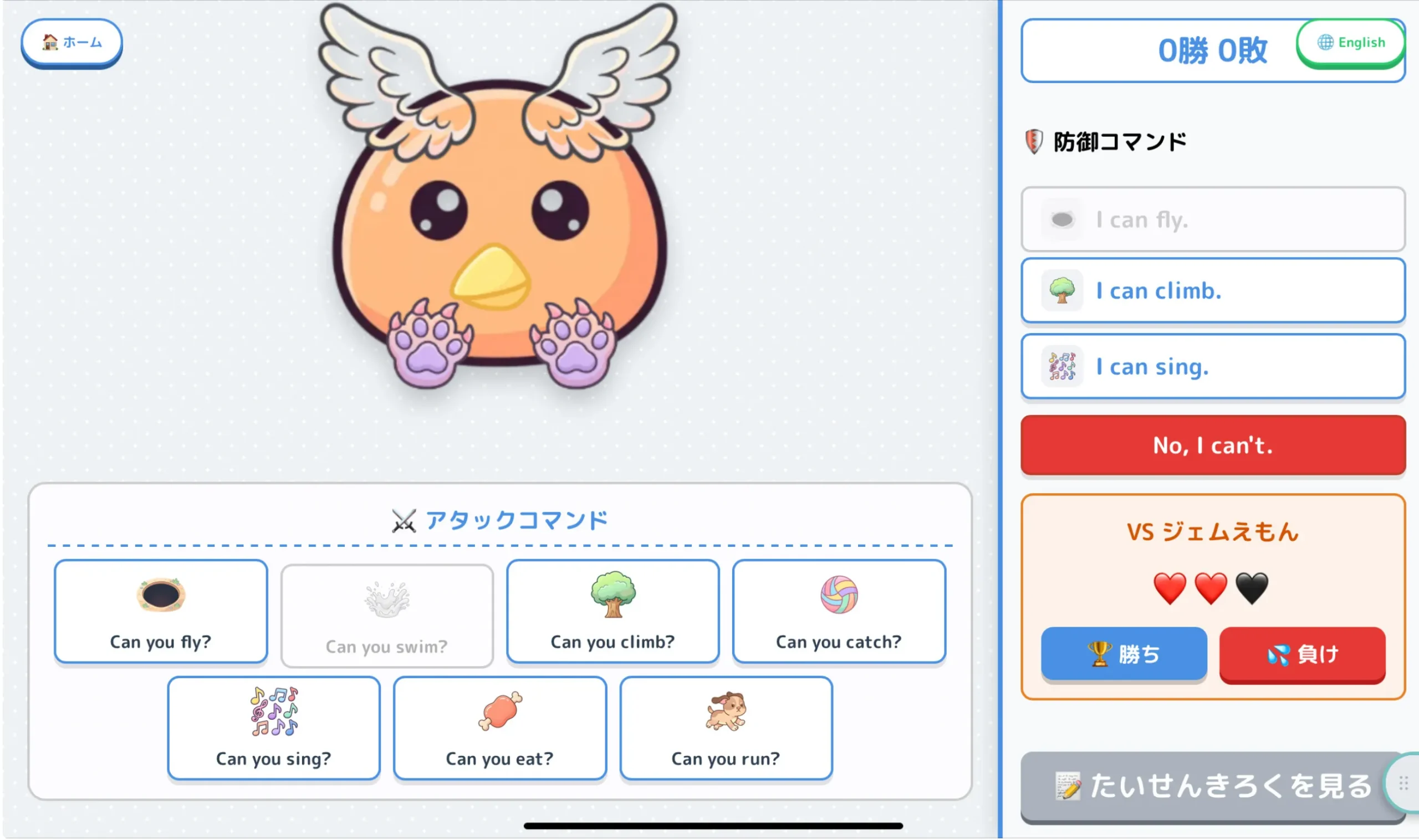
This is not a standalone online game. It is a communication tool designed specifically for students to face each other with their tablets and actively speak English out loud.
- Attacker: Taps a command button on their screen while looking at their partner and asking,
Can you fly? - Defender: If their monster has that ability, they tap the corresponding action and say,
I can fly.If not, they say,No, I can't.
Each attack command grays out after one use. This strategic constraint prevents students from repeating the same vocabulary and ensures they practice a diverse range of verbs. Additionally, the app features an “audio-less design” with no pre-recorded voice-overs, intentionally creating an environment where students must rely on their own voices to speak.
3. Streamlined Record Keeping and Teacher Assessment
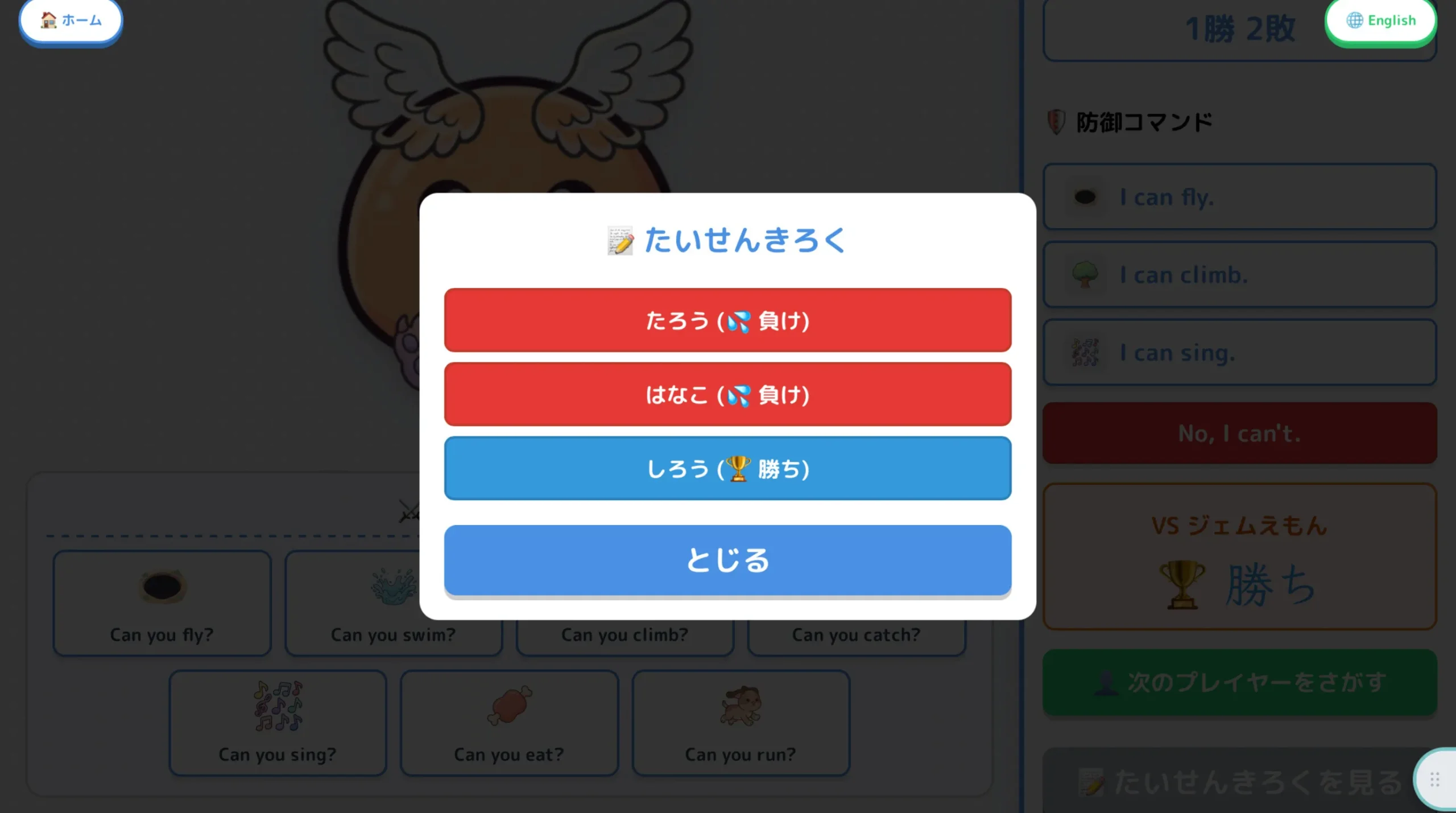
The battle mode guides students through a linear flow where they type their opponent’s name using a safe, 50-character Japanese keyboard before each match. Once the battle ends, the win or loss status (🏆Win / 💦Lose) is automatically logged into the battle history list.
🏆 Effortless Grading: At the end of the lesson, have students tap “View Battle History,” take a screenshot of the log, and submit it to your learning management system. Teachers can instantly verify who they interacted with and review their activity log at a single glance!
🏫 Example Lesson Plan
- Introduction & Crafting (5-10 min): Students create their monsters on their individual devices. (Progress can be seamlessly saved locally or exported as a JSON file for future lessons.)
- Main Communication Activity (25-30 min): Students carry their devices around the classroom, find new partners, and engage in face-to-face English battles.
- Reflection & Assessment (5 min): Open the battle log, take a screenshot, and submit it for evaluation.
Transform your next foreign language class into an exciting, high-output English environment with zero preparation. Give it a try in your classroom today!