
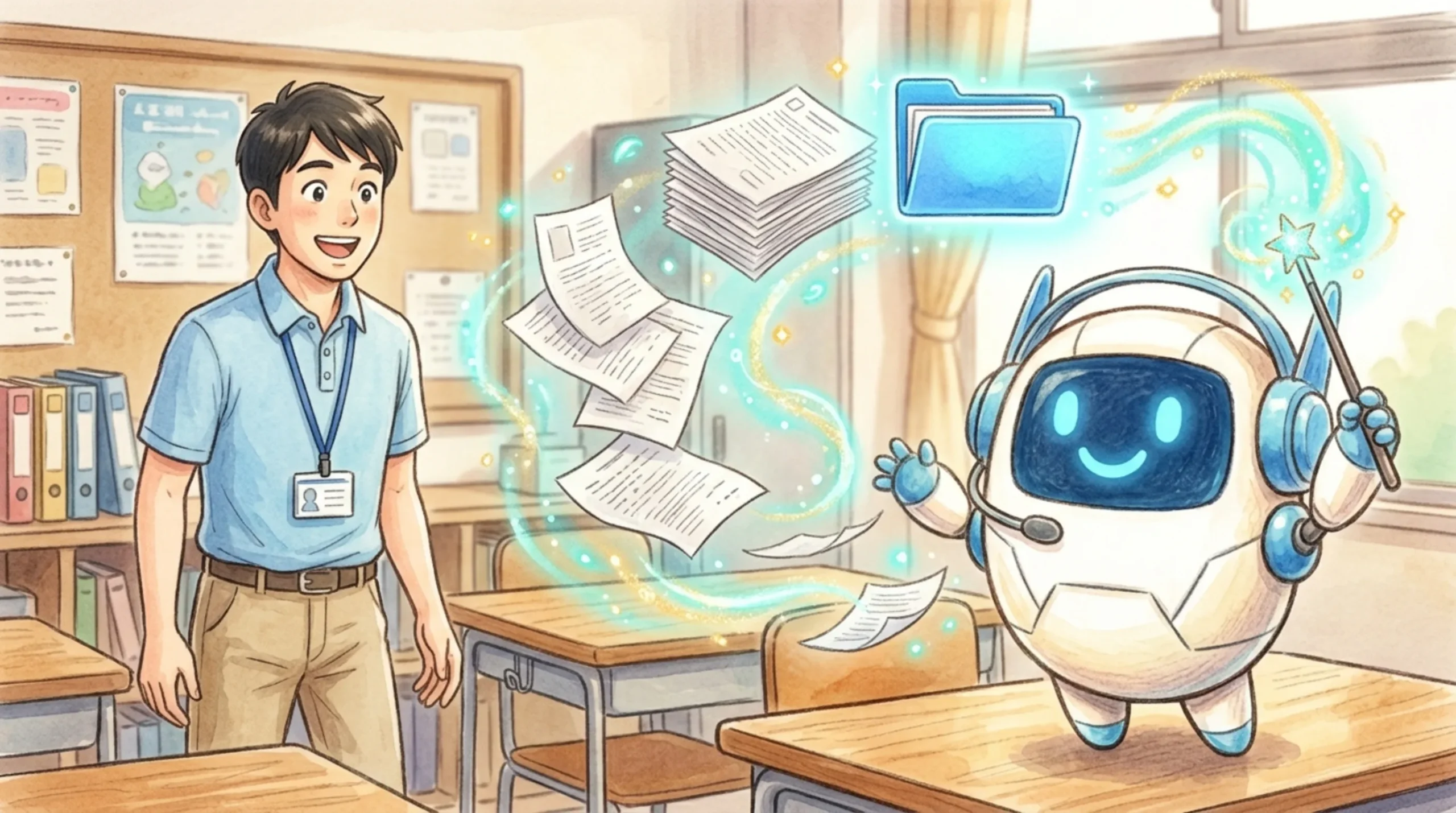
“It’s a huge hassle to compile scattered PDF documents from different grade levels for tomorrow’s staff meeting…”
“Uploading documents one by one as images to the school website for 1-to-1 devices takes way too much time…”
Teachers and administrators, does this sound familiar?
🤔 Tired of Organizing Scattered Files?
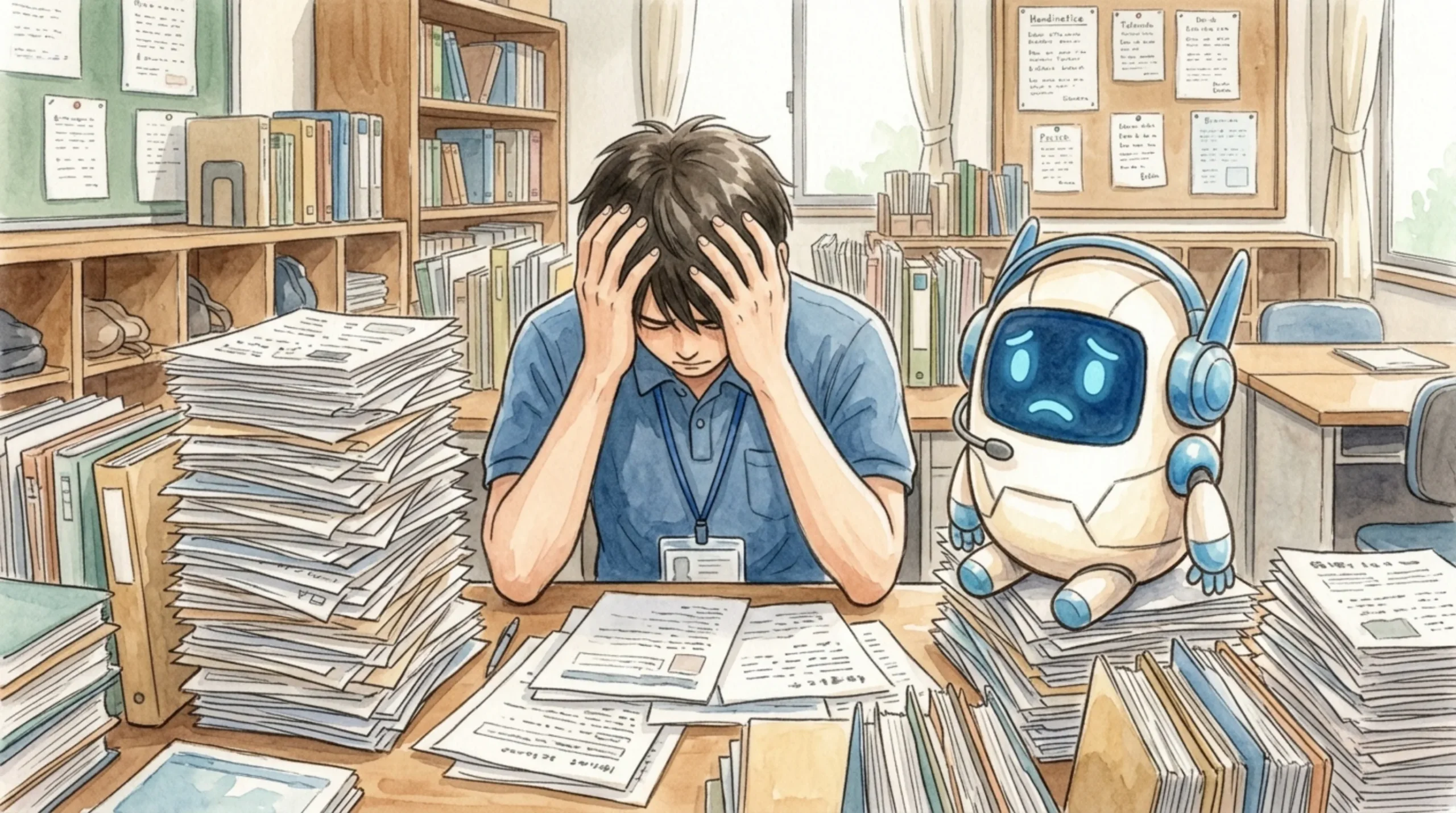
- Filenames are inconsistent, making it hard to figure out the correct order.
- Rearranging files in free PDF merging software is tedious.
- Manually converting PDFs to images for the school website’s “Image Carousel” is a never-ending chore.
Let’s eliminate the dependency on a single IT-savvy teacher for these monthly routine tasks.
💡 Solved in Seconds with Drag & Drop!
With “Staff Meeting Maker,” simply drop your collected PDFs onto the screen, and all the tedious work is done instantly right in your browser.
[STEP 1] Just Add Files! (Auto-Sorting Feature)
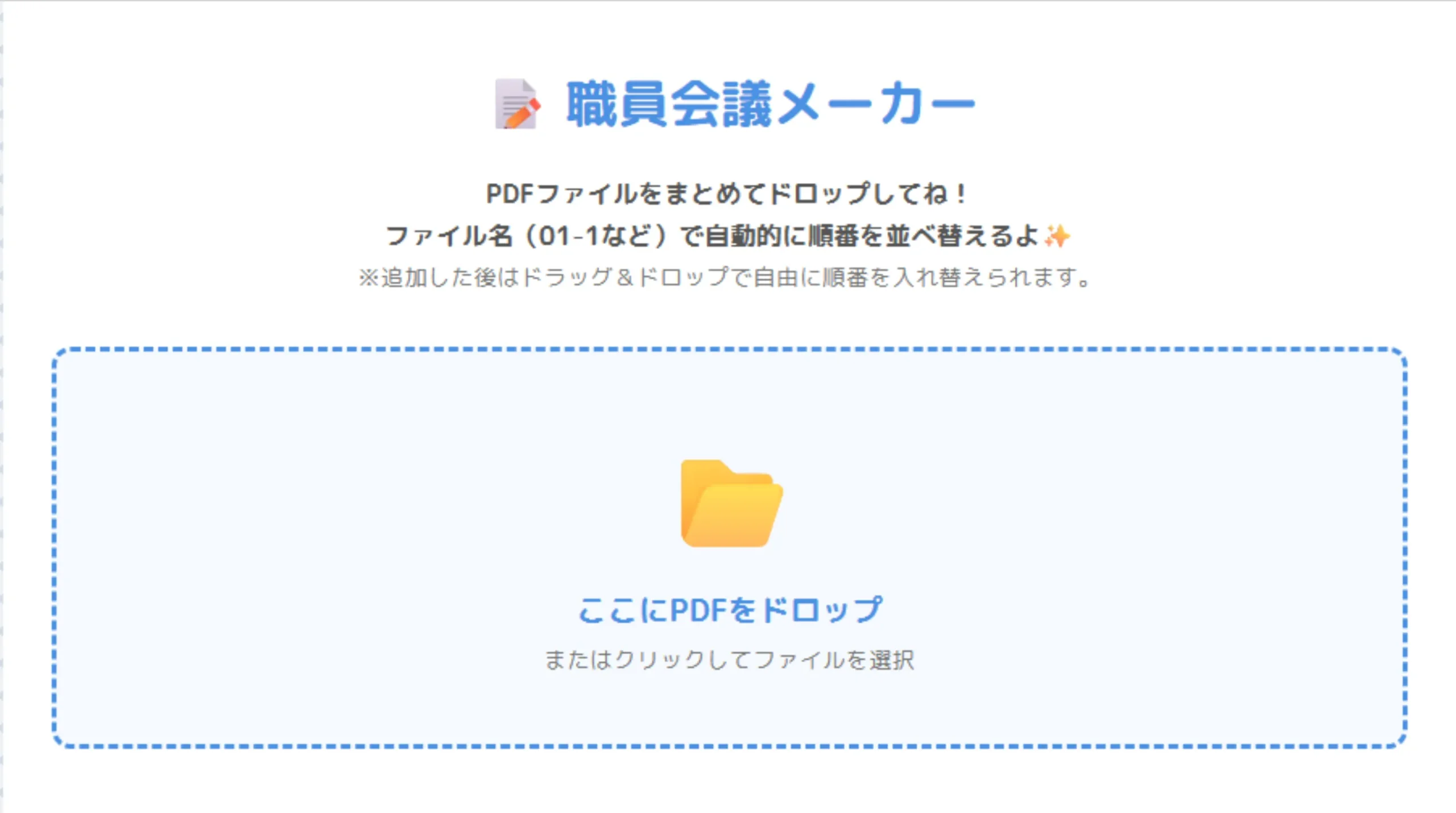
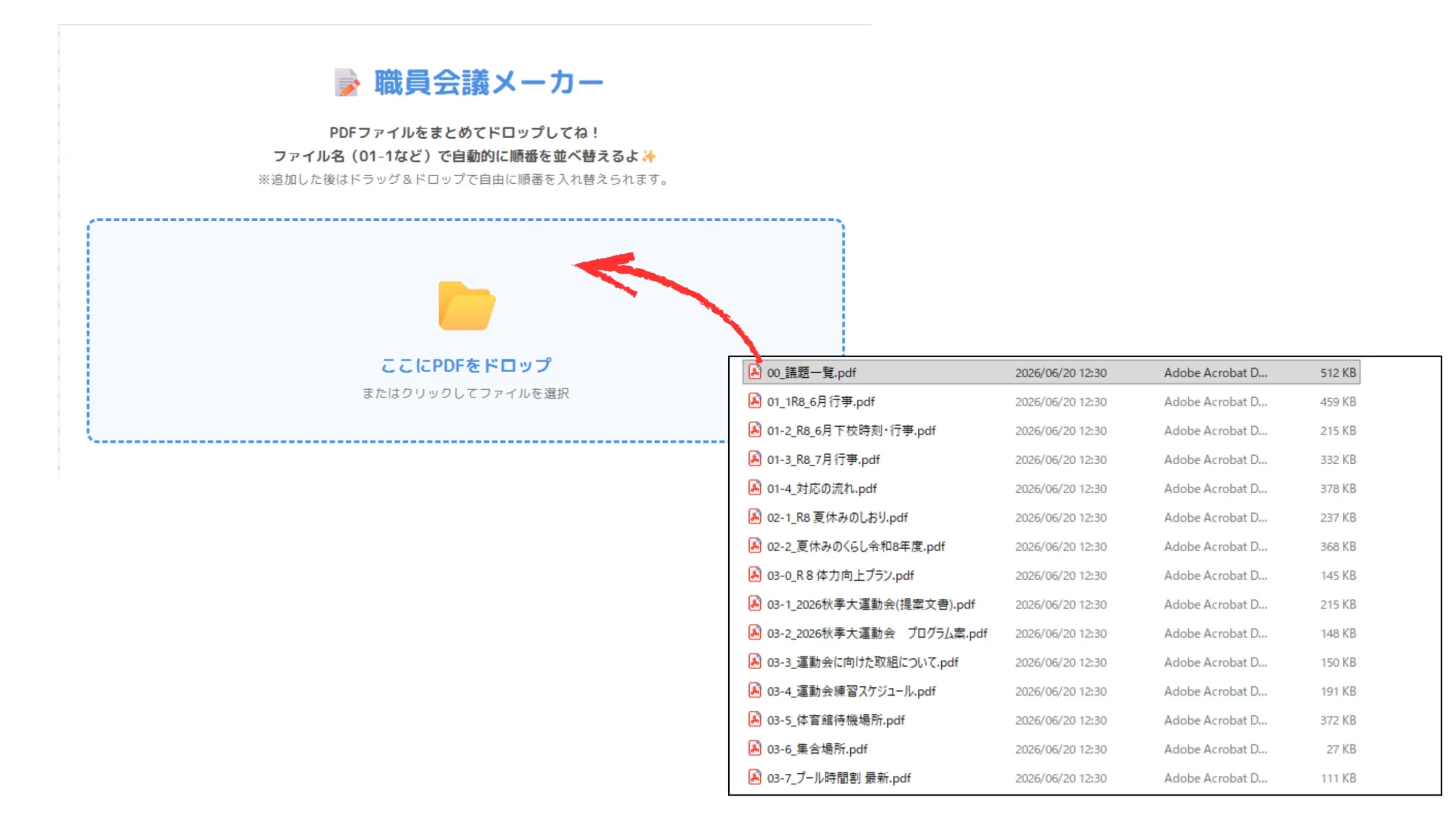
The operation is simple. If you include numbers at the beginning of the filename (e.g., “01-1_Document.pdf”), the app will automatically read the numbers and sort them in order!
Of course, you can also manually drag and drop them on the screen to adjust the order freely.
[STEP 2] Generate a Merged PDF & Image Sequence ZIP “Simultaneously”!
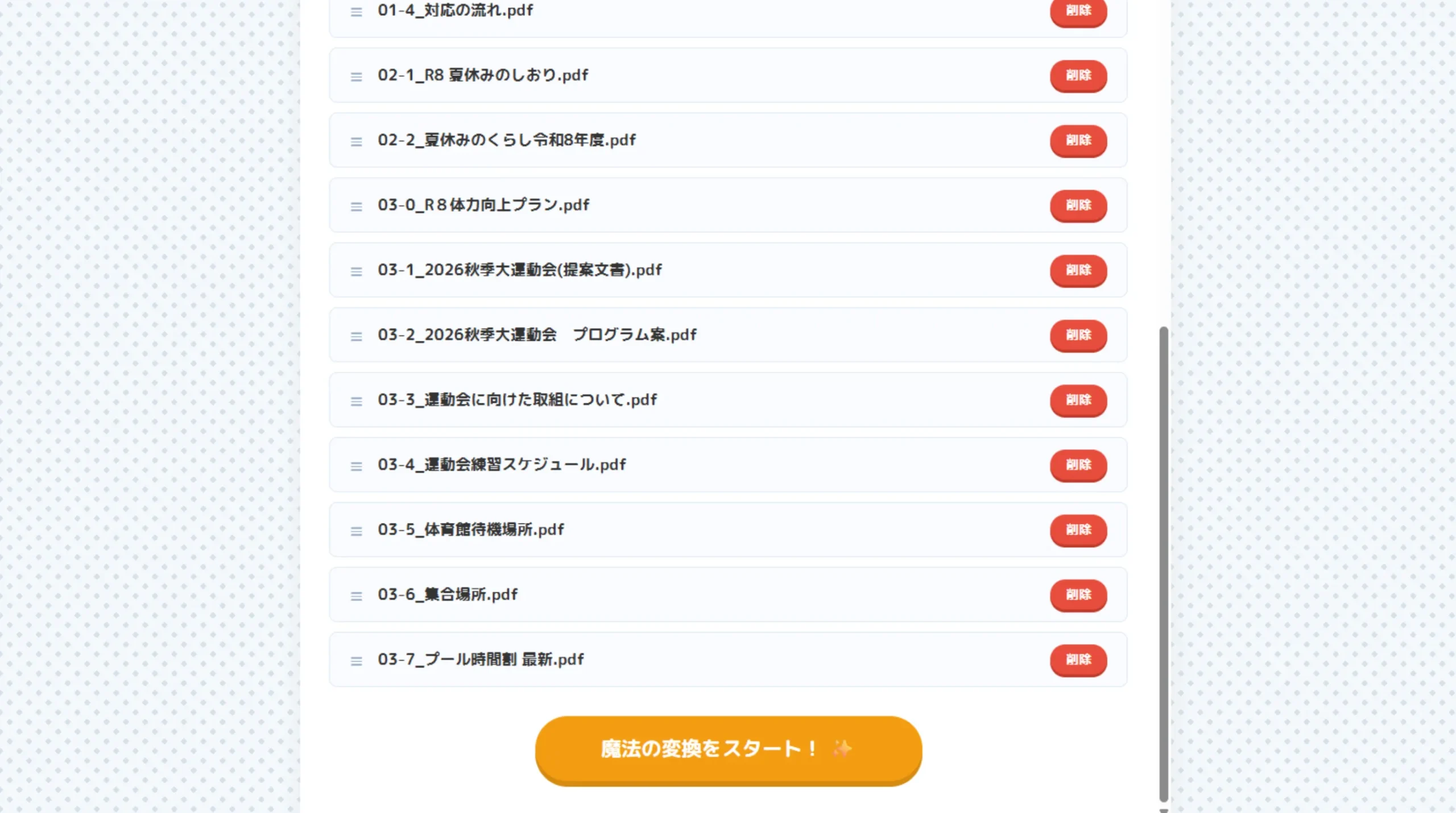
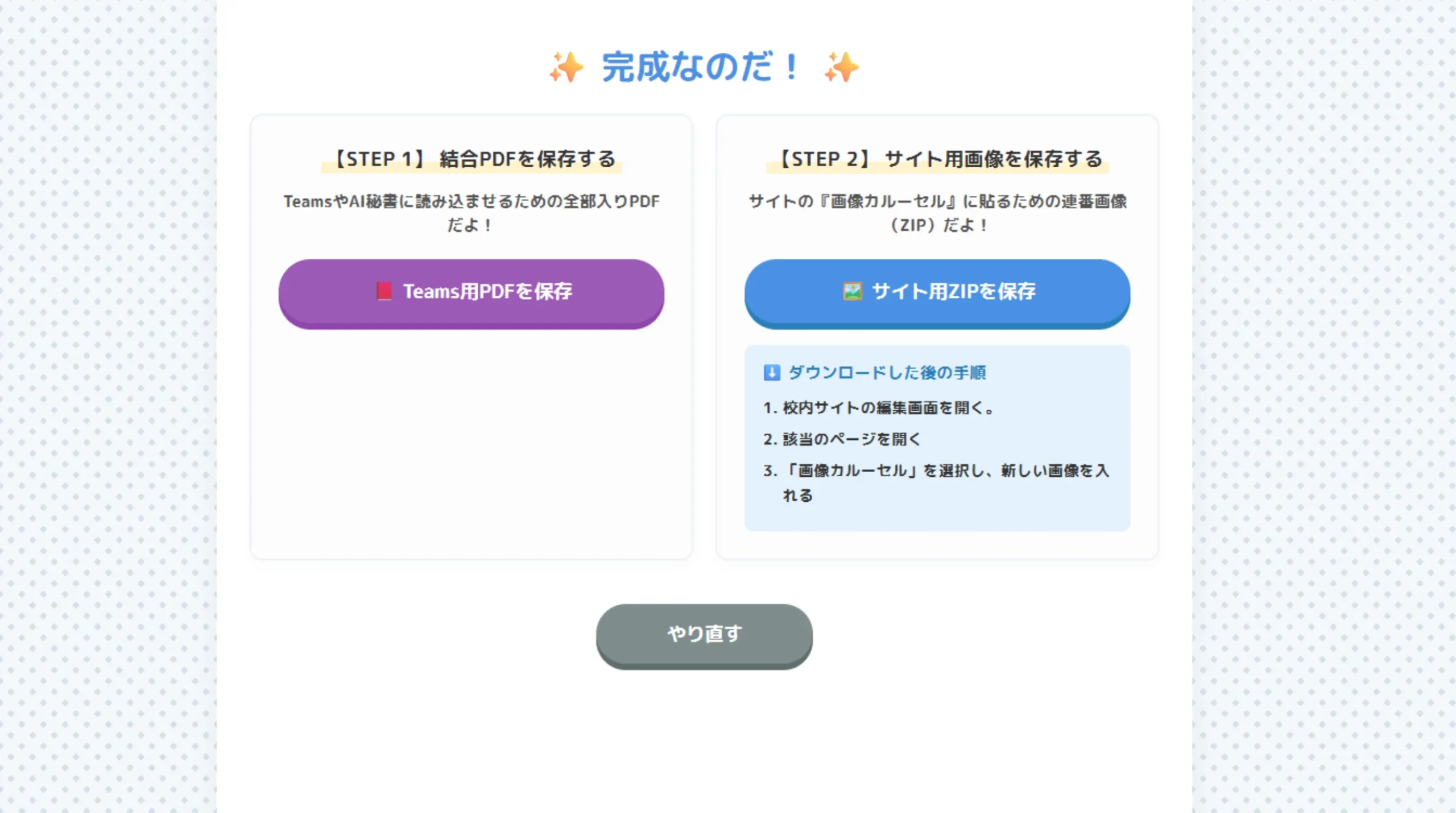
Just click the “Start Magic Conversion!” button, and these two outputs will be generated instantly:
- 📕 Merged PDF (For Teams/Printing): All PDFs combined into a single file in the correct order.
- 🖼️ Image ZIP (For School Websites): A ZIP file containing sequential JPEG images of every page, ready to be uploaded directly to an image carousel on Google Sites.
🏆 Upgrade Your Staff Room Workflow

The greatest feature of this app is that all processing is done entirely inside your computer’s browser, without sending any data to a server. You can process highly confidential meeting documents safely without worrying about data leaks.
🔒 Fully Functional Offline! (For Secure Networks)
For schools with strict logically separated networks with no internet access, we have prepared a “Completely Offline Version”.
Download the ZIP file below, extract it, and bring it to your school PC via a USB drive.
Use Staff Meeting Maker to reduce busywork and maximize your time for what really matters!