
- Target Grade: 1st Grade (Math)
- Content: 1-digit subtraction (without borrowing)
- Recommended Devices: iPad, Chromebook, Windows PC (Landscape mode recommended)
“minushot”: Captivating Even the Kids Who Hate Math Drills!
In 1st-grade math, the next major hurdle after addition is “subtraction.” Just doing worksheets can’t sustain their concentration, and it becomes a boring chore… To solve this struggle for teachers, we’ve developed “minushot”—an app where kids can repeatedly practice calculations while feeling like they’re playing a game!
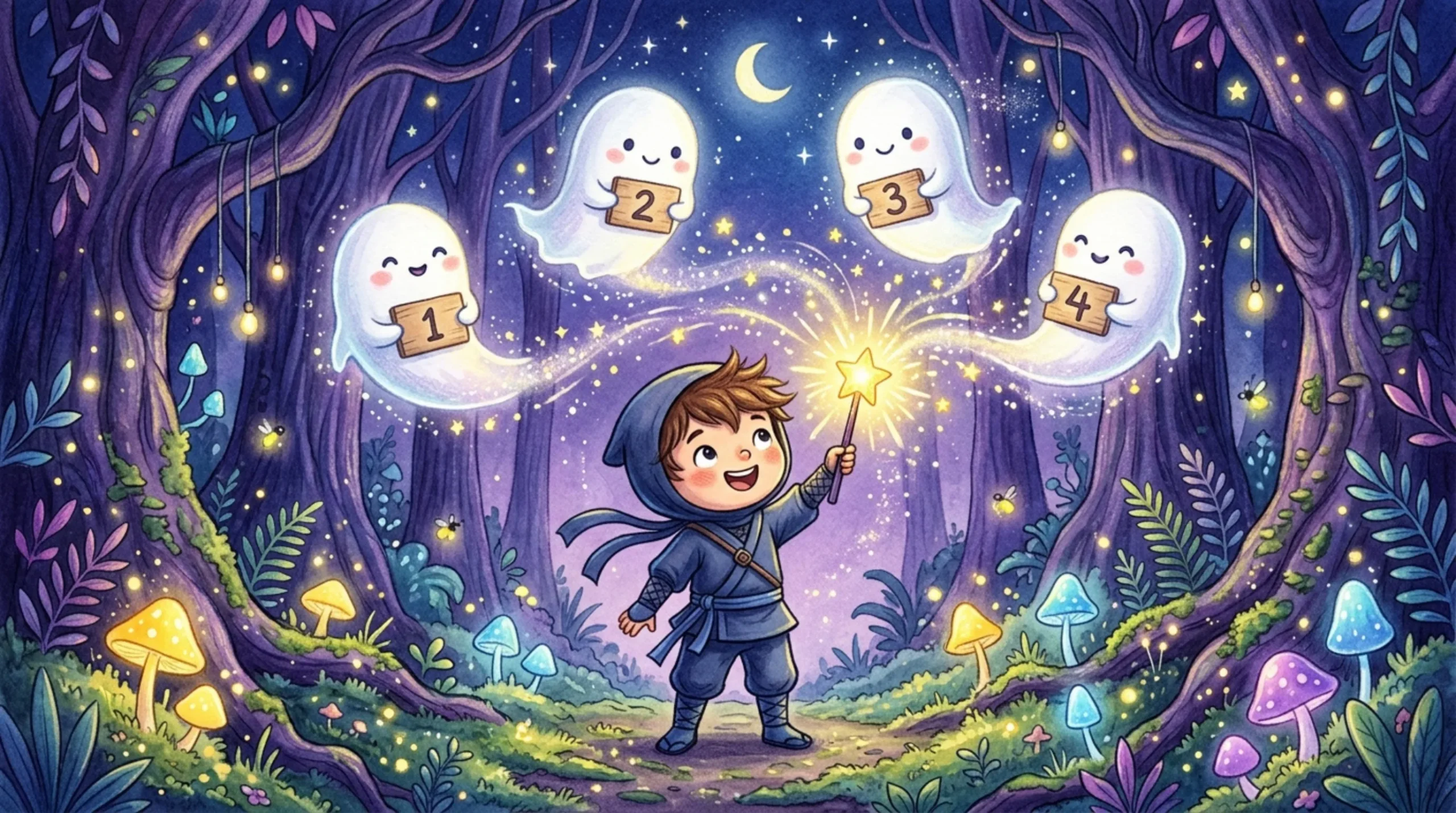
Born from the desire to “reduce teachers’ burdens even a little” and “make kids love math,” this app was designed from a practical perspective by an active elementary school teacher (and Google Certified Educator / Gemini Educator). Incorporating the latest insights in ICT education, we focused thoroughly on “intuitive touch for kids” and the “essence of math.”
Set in a magical forest, it’s a thrilling, cathartic shooter drill where you defeat cute approaching ghosts by creating the correct “subtraction equations”!
3 UI/UX Features Optimized for Educational Devices (GIGA)
1. Zero Input Lag! Two-Handed “Split-Screen Layout”
Designed primarily for landscape use on standard school devices (like iPads and Chromebooks), it features a “split-screen layout” with the main game on the left and a cockpit (numpad) on the right.
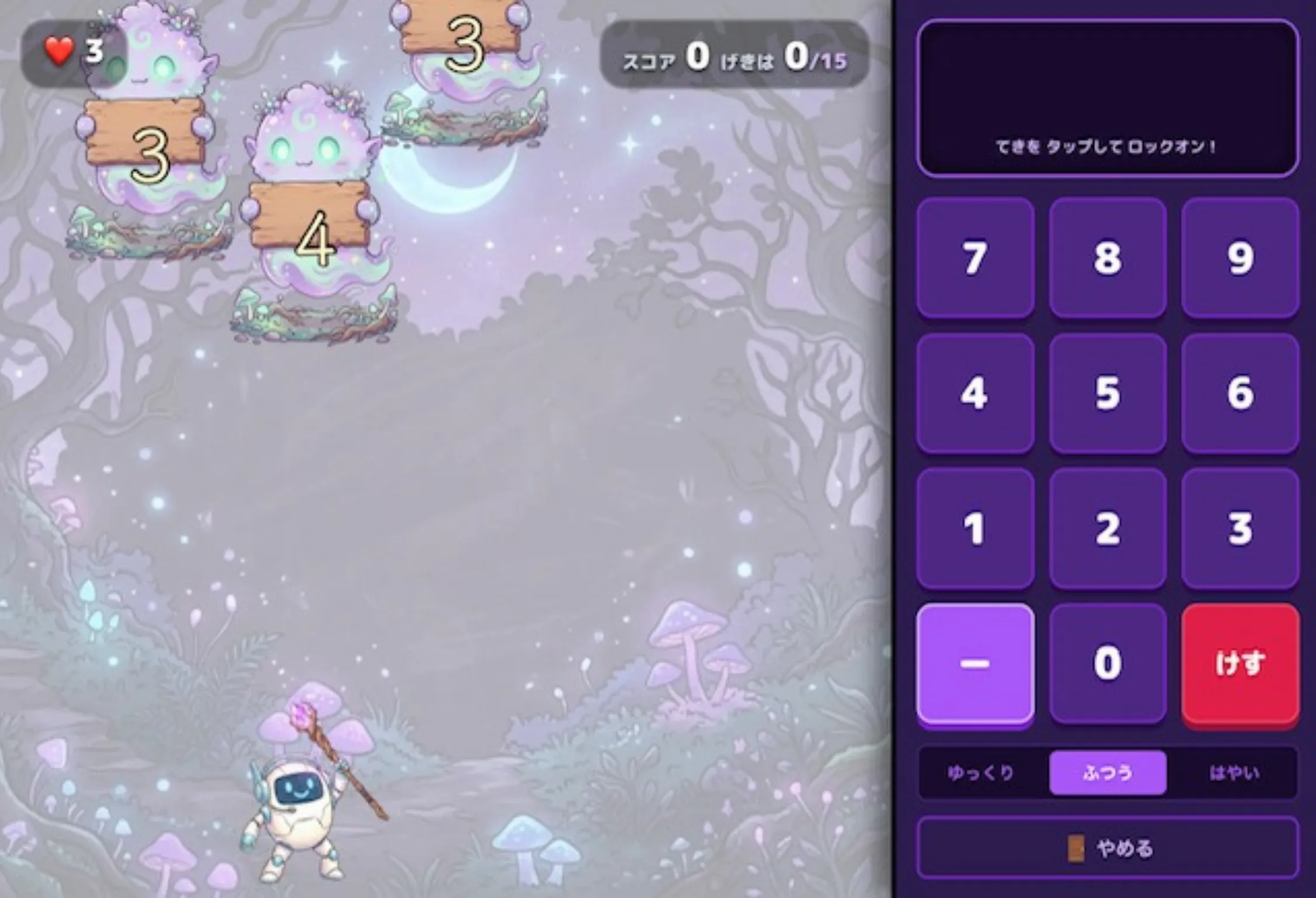
Furthermore, to prevent the tap delay common on tablets, we use the “pointerdown” event instead of standard “click” for button operations! Kids can hold the device with both hands and smoothly input equations using their right thumb without any stress.
2. Grasp the Essence of Math with the “Nice Idea!” Bonus System
The core feature that sets this apart from mere “digital drills” is the system where “defeating an enemy with a different equation for the same number doubles the score.”
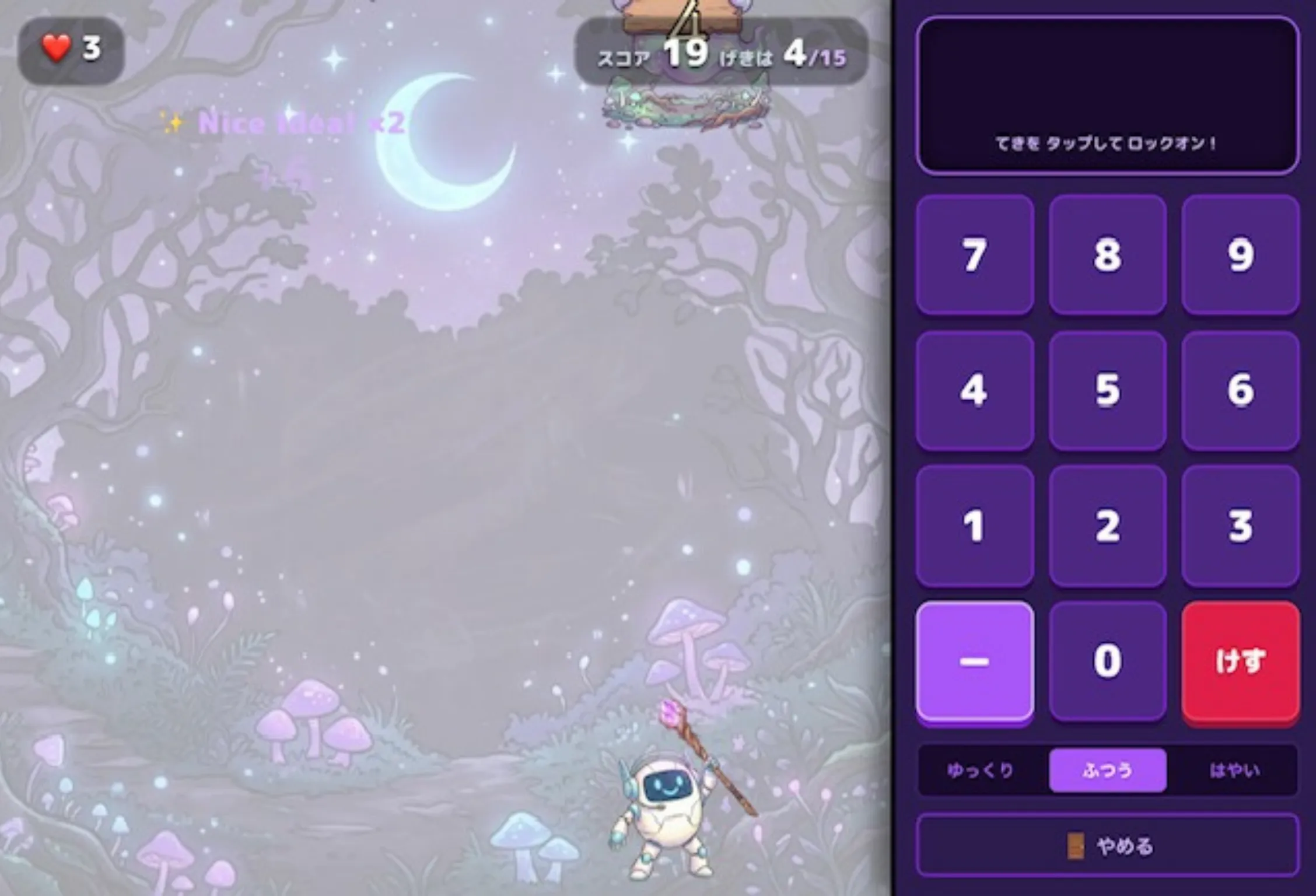
For example, if you defeat a ghost holding a “2” using “5 – 3”, and the next time a “2” appears you use “4 – 2” or “6 – 4”, you trigger a “Nice Idea!” bonus! Because of this, children won’t just do calculations mechanically; they will actively and deeply explore the “composition of numbers.”
3. Thrilling Screen Shakes and the Catharsis of the Gold Medal
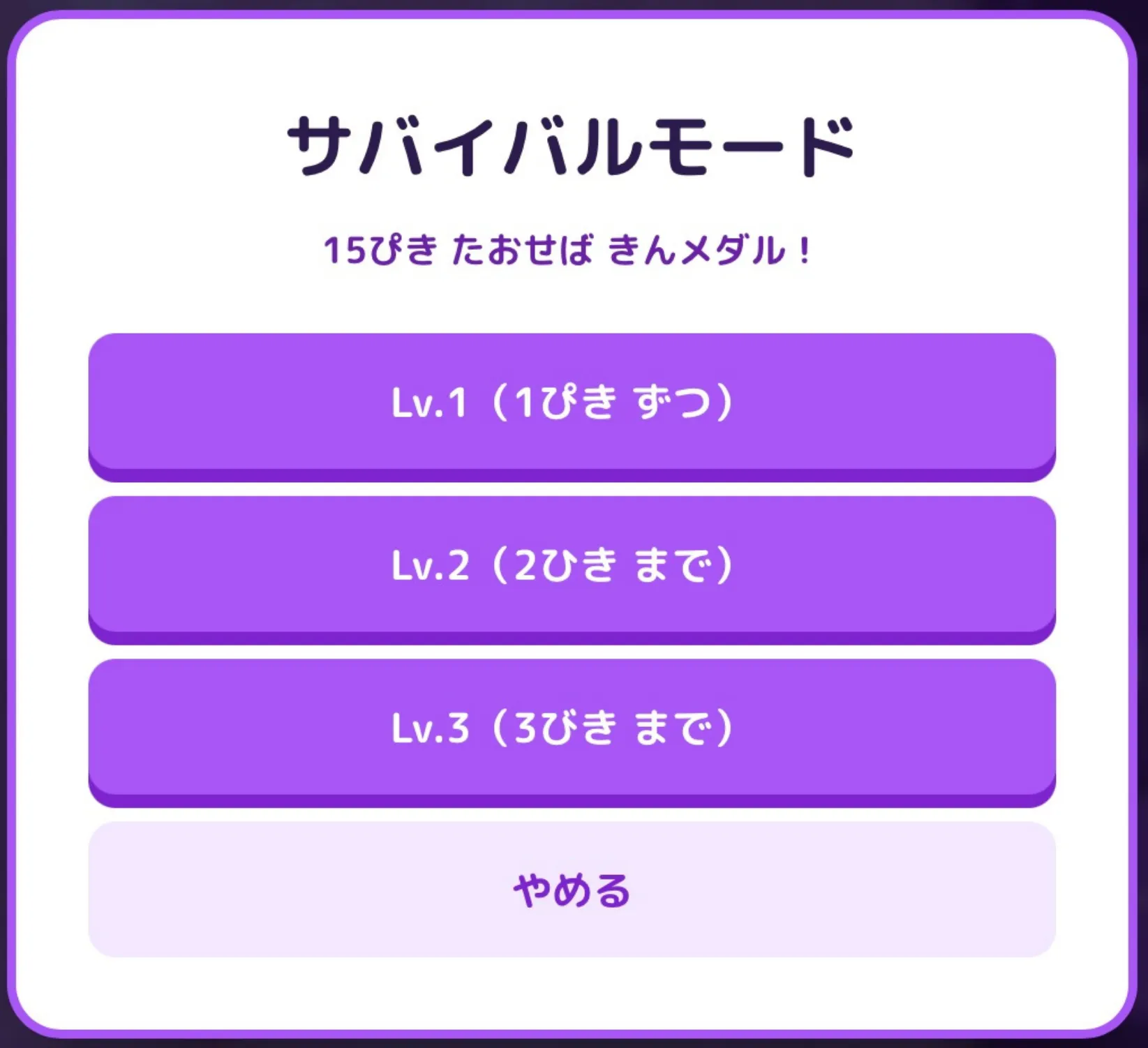
To keep them immersed in learning, when an enemy reaches the bottom, the screen triggers a flashy damage effect where it “shakes violently with red particles flying.” This adds the thrilling tension of a life-based game.

And when they successfully defeat 15 ghosts, a giant “Gold Medal” fills the screen! This overwhelming sense of achievement serves as powerful motivation for their next learning session.
Tips from a Teacher! How to Introduce It in Class
When introducing this app in class, we recommend saying: “If you just clear it normally, you get a Silver Medal. But only those who find many ‘different subtraction equation combinations’ can become a true ‘Subtraction Master (Gold Medal)’!”
Instead of just trying to clear the game, kids will joyfully discover and report alternative answers like, “Teacher, I defeated it with 5-2 and 4-1!” creating a vibrant math class. Please try it out as your class’s “Deji-Lab Training”!