
Solve the “Messy Desk” Problem in Math Class!
Teaching the area of a circle often involves cutting and arranging construction paper… leaving students’ desks completely messy and teachers exhausted from preparation.

Digital Transformation Magic on a Tablet!
The completely free digital educational app, “Circle Snip & Snap,” elegantly solves these classroom struggles!

You can choose from three different learning modes depending on your lesson objectives.

Key Features for Your Lessons
Point 1: Estimate the Area with a Grid (Introduction)
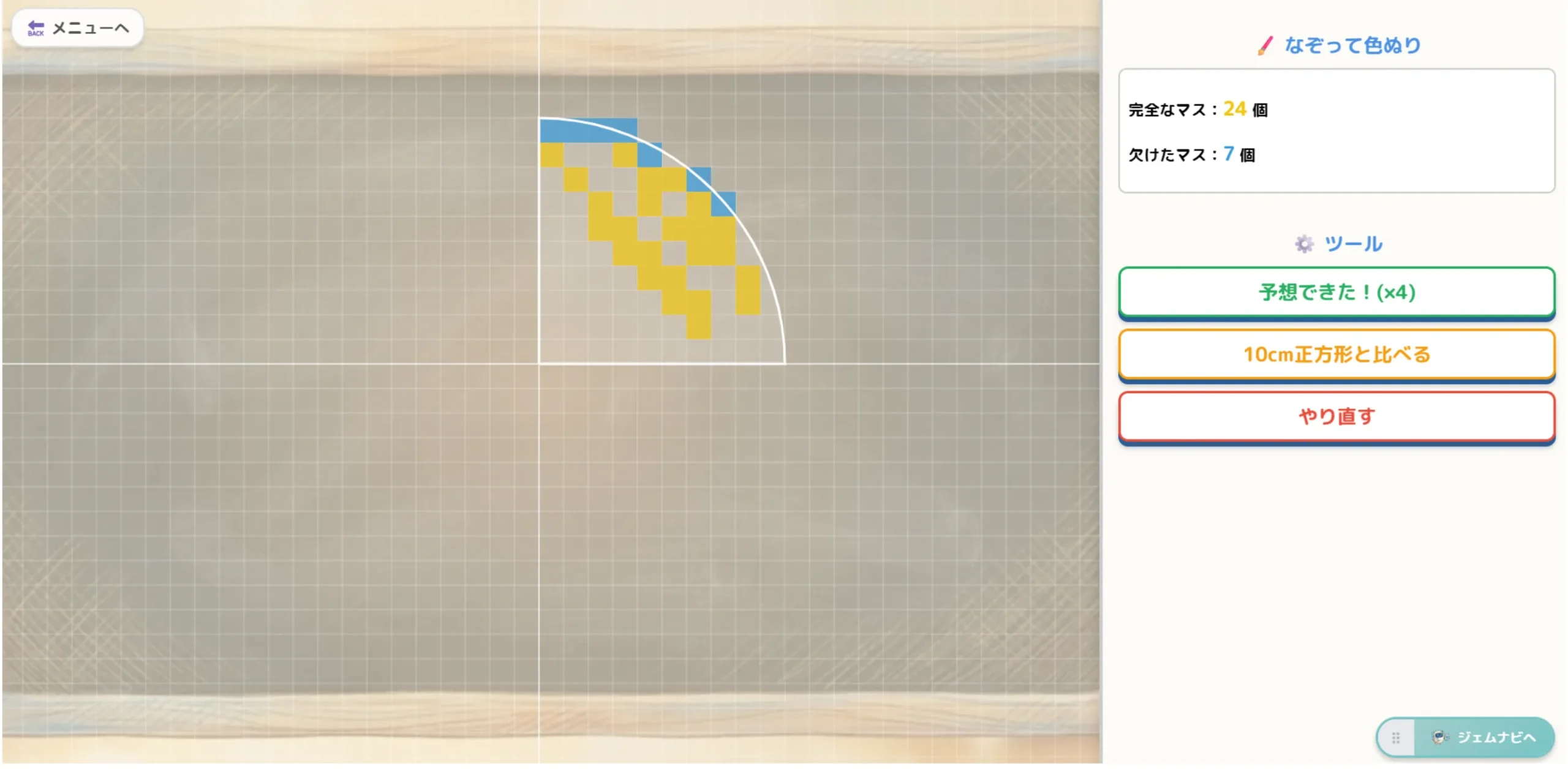
Start by counting 1cm grid squares to estimate the area. Students can intuitively paint complete and incomplete squares to grasp the sense of scale.
Point 2: The “Aha!” Moment! Formula Discovery Lab
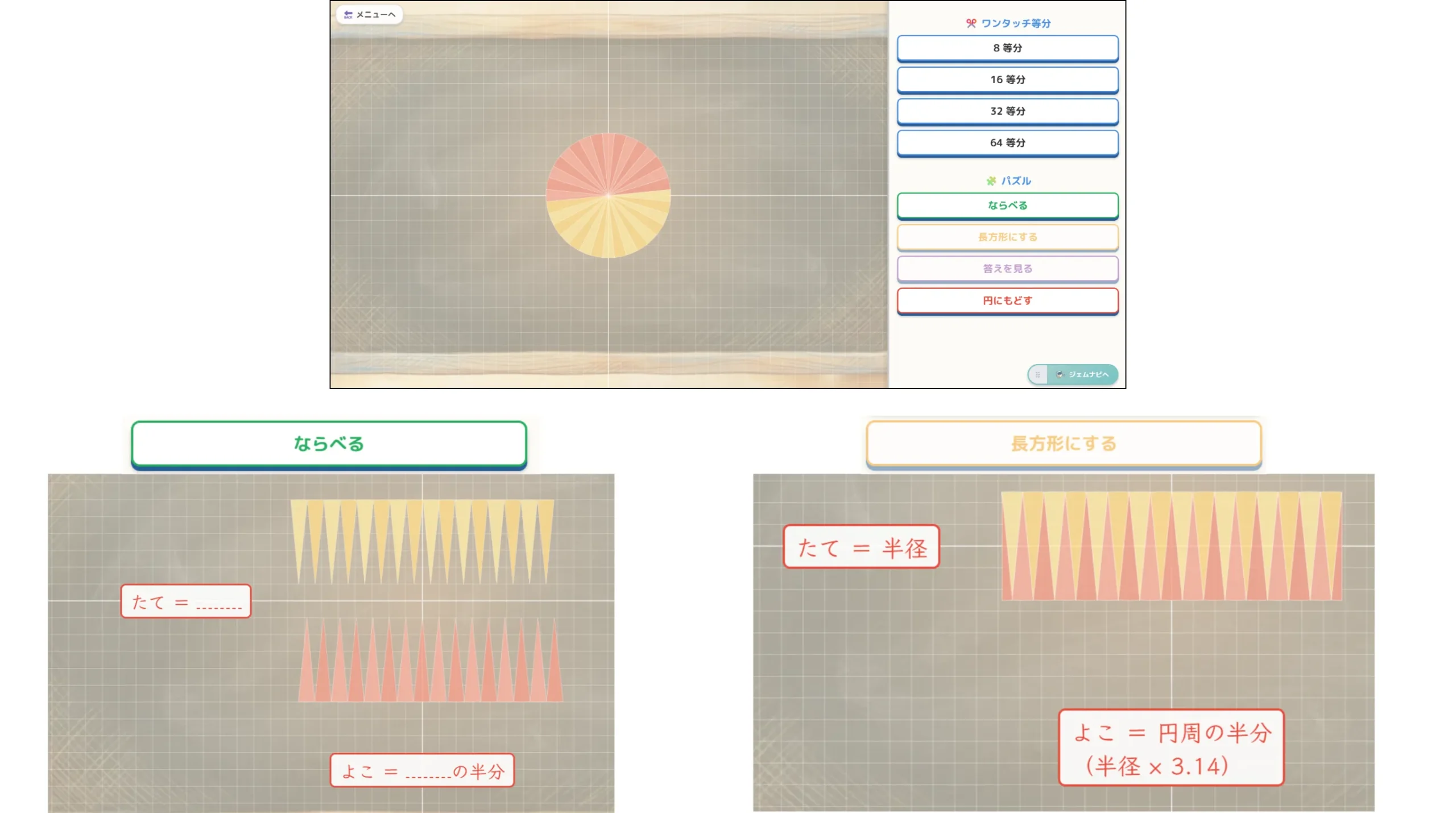
Cut the circle into 16 or 32 equal parts with a single tap! When students press the “Make Rectangle” button and watch the pieces snap together, the classroom will erupt in cheers. They can visually understand why “Height = Radius” and “Width = Half of the Circumference”.
Point 3: Recreate Textbook Ideas! Advanced Geometry Studio
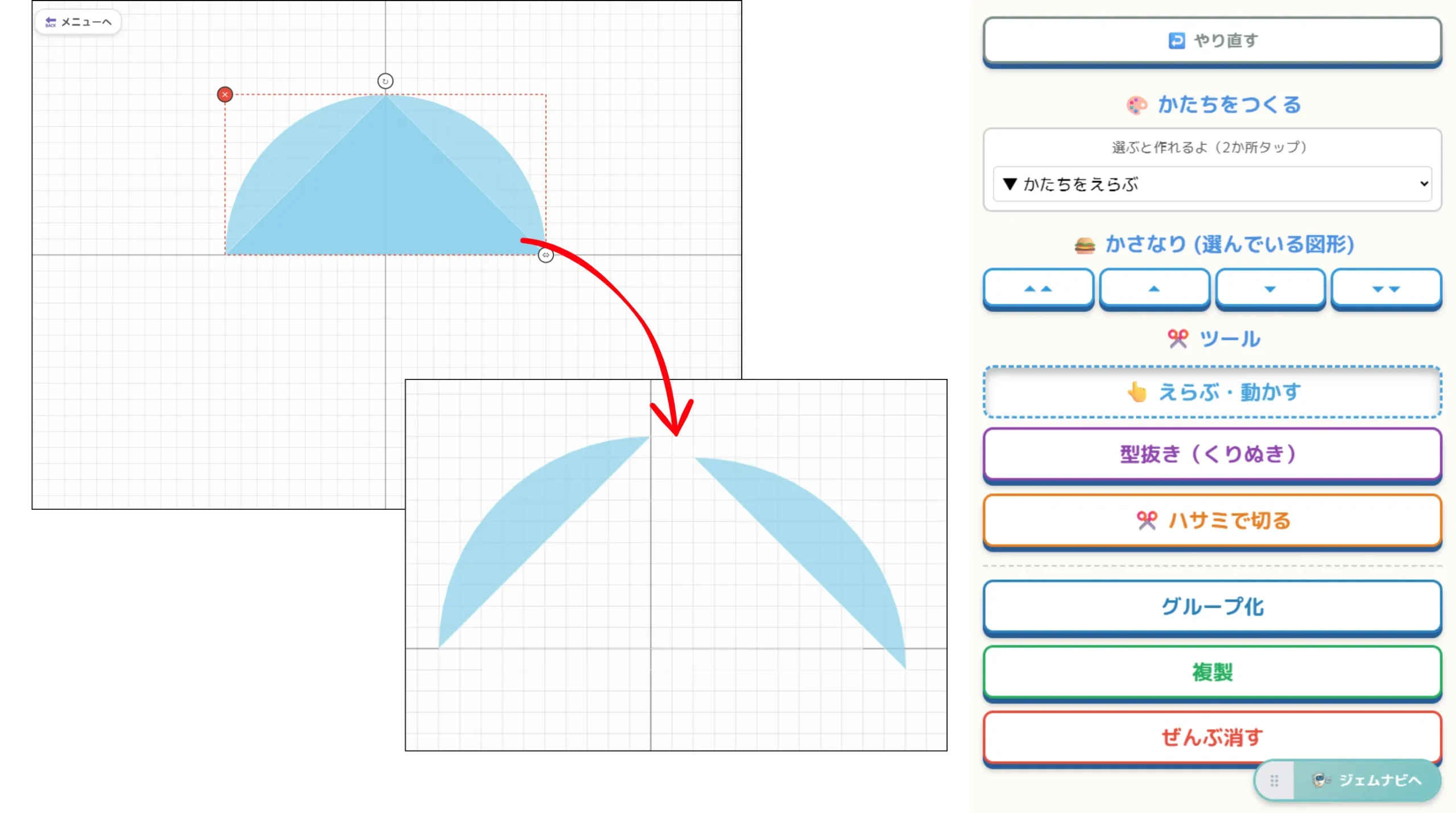
Perfectly recreate various problem-solving methods found in textbooks! Students can cut out shapes, snip them with digital scissors, and rearrange them… allowing for free, intuitive trial and error right on their digital notebooks.
Comments