
A Magical Tool That Brings Children’s Imagination to Life!
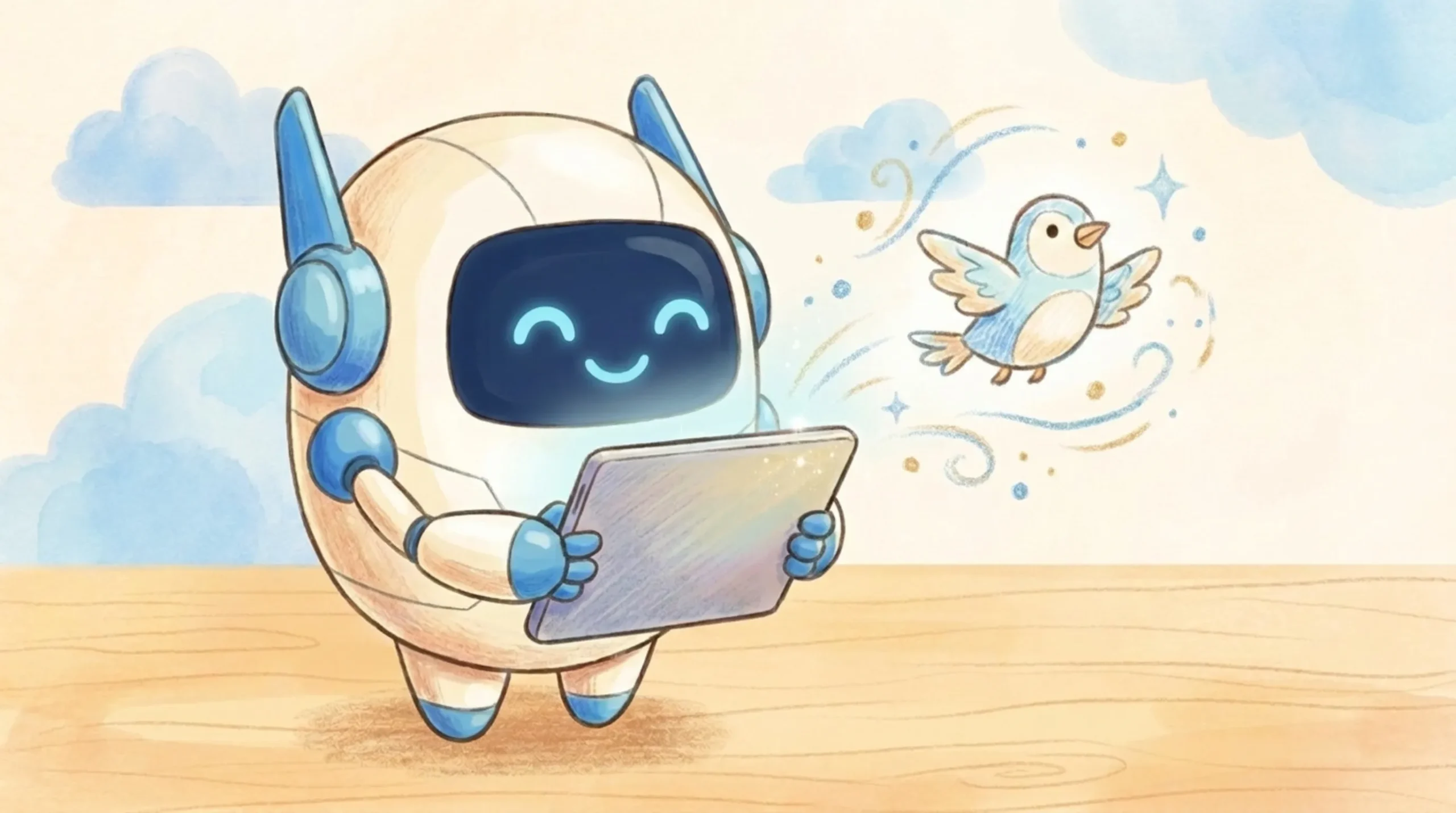
In programming or art classes, children’s eyes often sparkle when they say, “I want to make an animation!”
But when they actually try using existing tools…
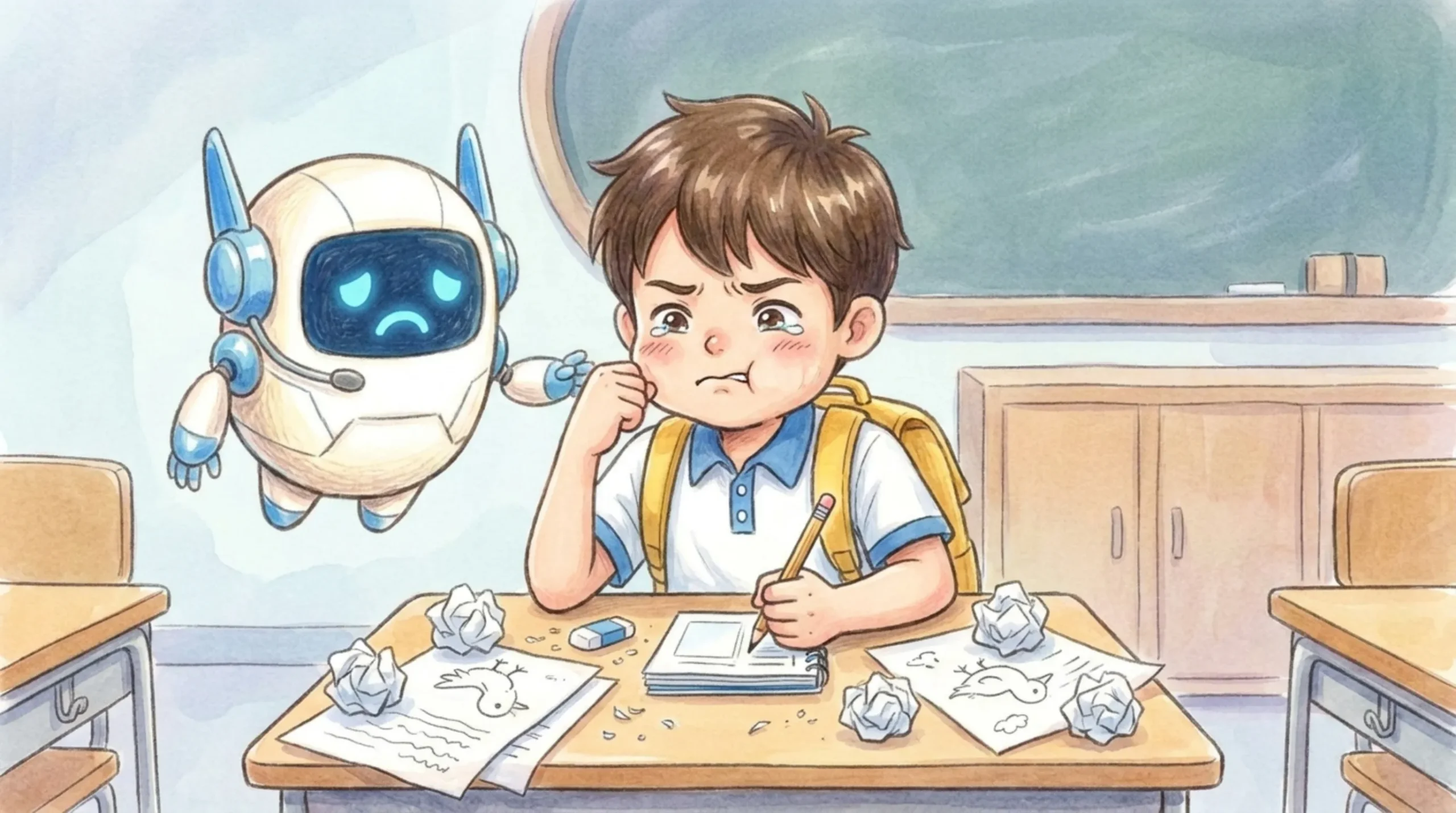
“It’s too tiring to draw the exact same picture over and over again…”
“I just wanted to move it a little, but the face fell apart into pieces!”
Many children get frustrated by complicated operations or tedious steps and end up giving up halfway.
To fully support their motivation and say “You can do it!”, Deji Lab has created the all-new “Para-Para Animator”!
💡 Why It’s Amazing: 3 Key Features
1. Intuitive UI and “3 Creation Modes”
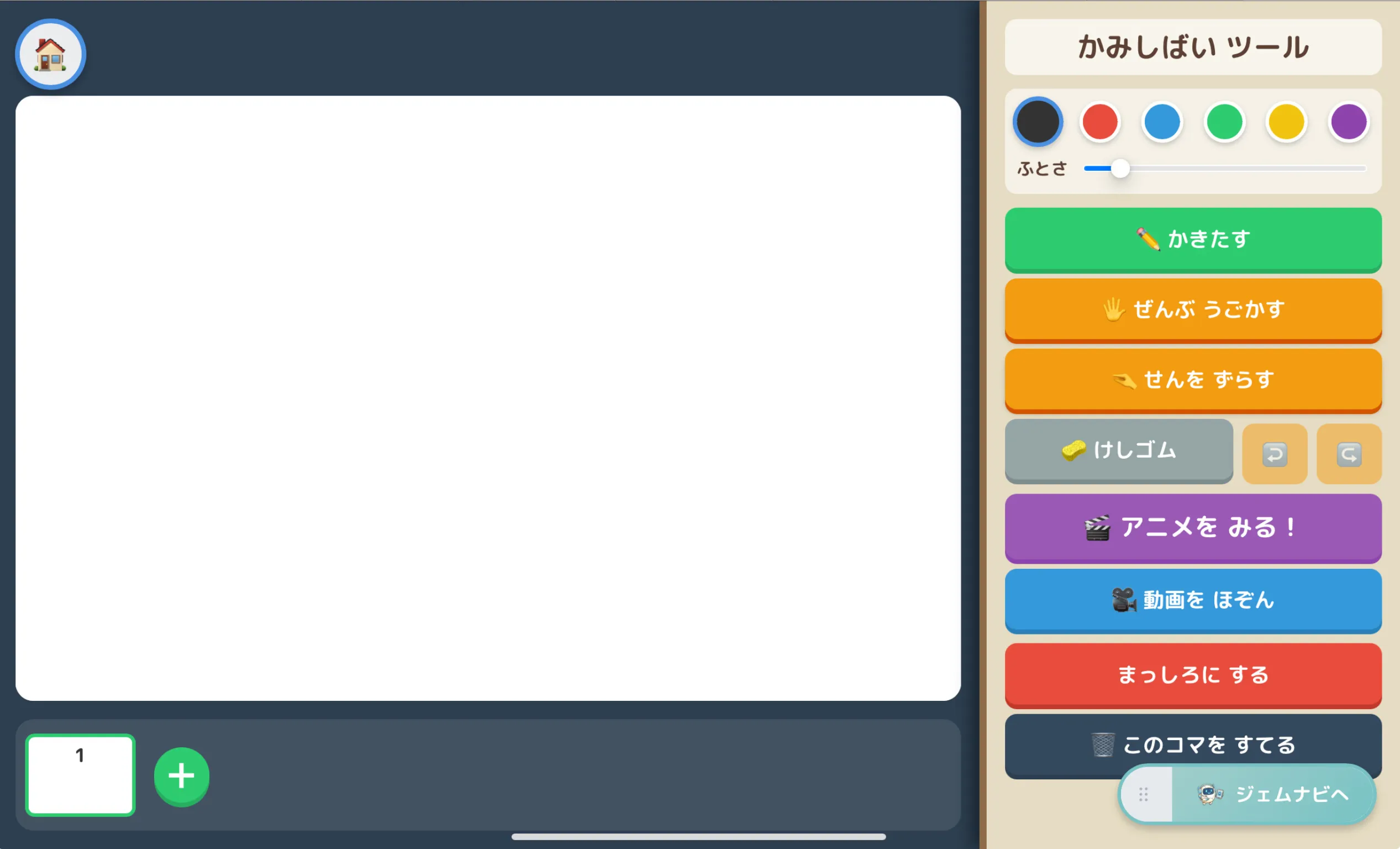
Optimized for GIGA devices (like iPads) in landscape mode, the screen is clean and easy to navigate. Children can seamlessly switch between three modes depending on what they want to express:
- ✏️ Draw: Freely add drawings just like a regular drawing app, with adjustable colors and line thickness!
- 🖐️ Move All: Move the drawn picture entirely like a “stamp”! Create animations without ruining the shape.
- 🤏 Shift Lines: An advanced mode where you can bend the “joints” of drawn lines. Perfect for older students who want detailed movements!
2. Astonishingly Smooth Drawing Engine
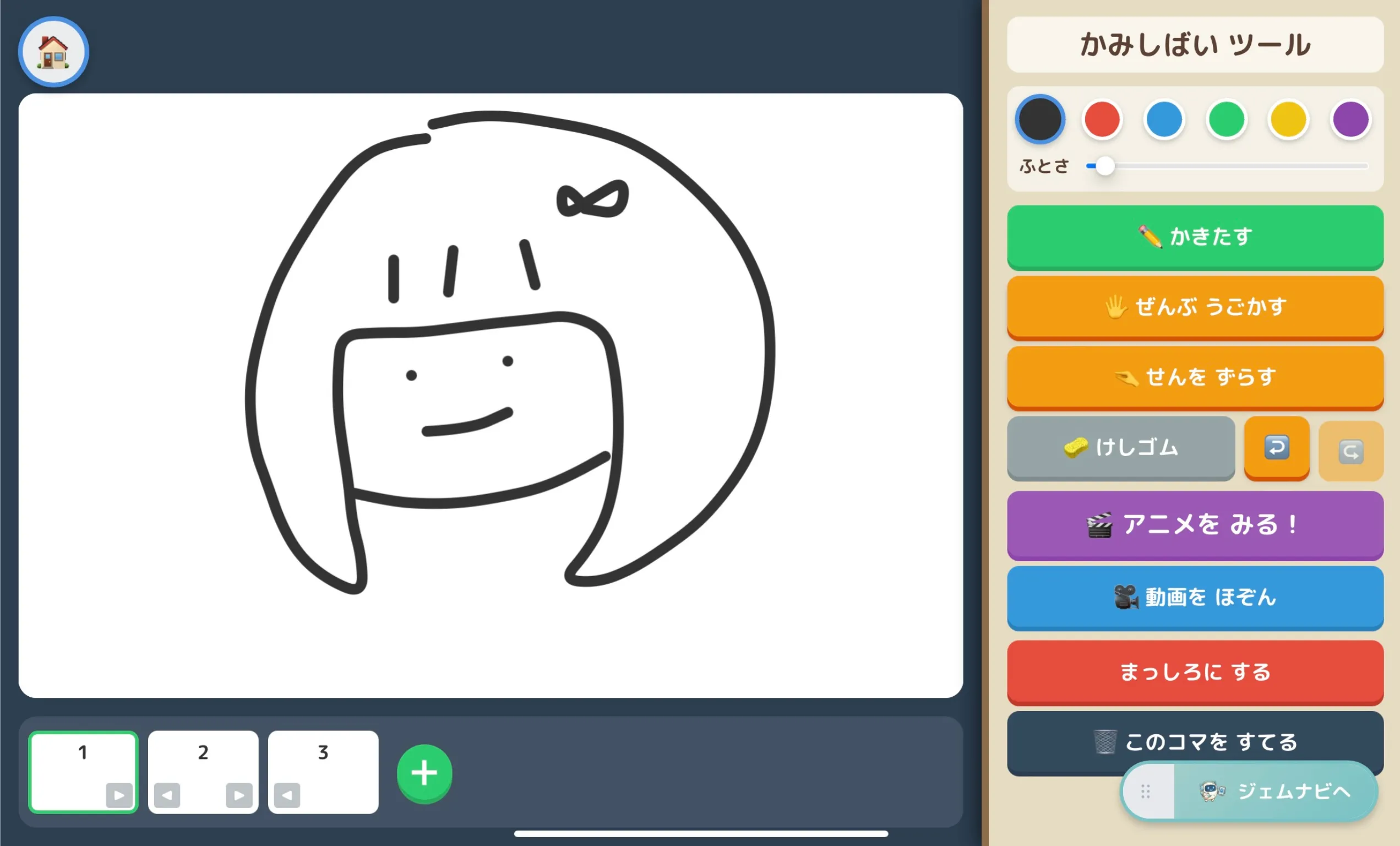
A “magic correction engine” works behind the scenes so that smooth curves can be drawn effortlessly even on an iPad browser. It won’t lag no matter how fast they draw, allowing children to immerse themselves in creation stress-free. It even features an “Undo” button if they make a mistake!
3. “Save Video” for Easy Submission!
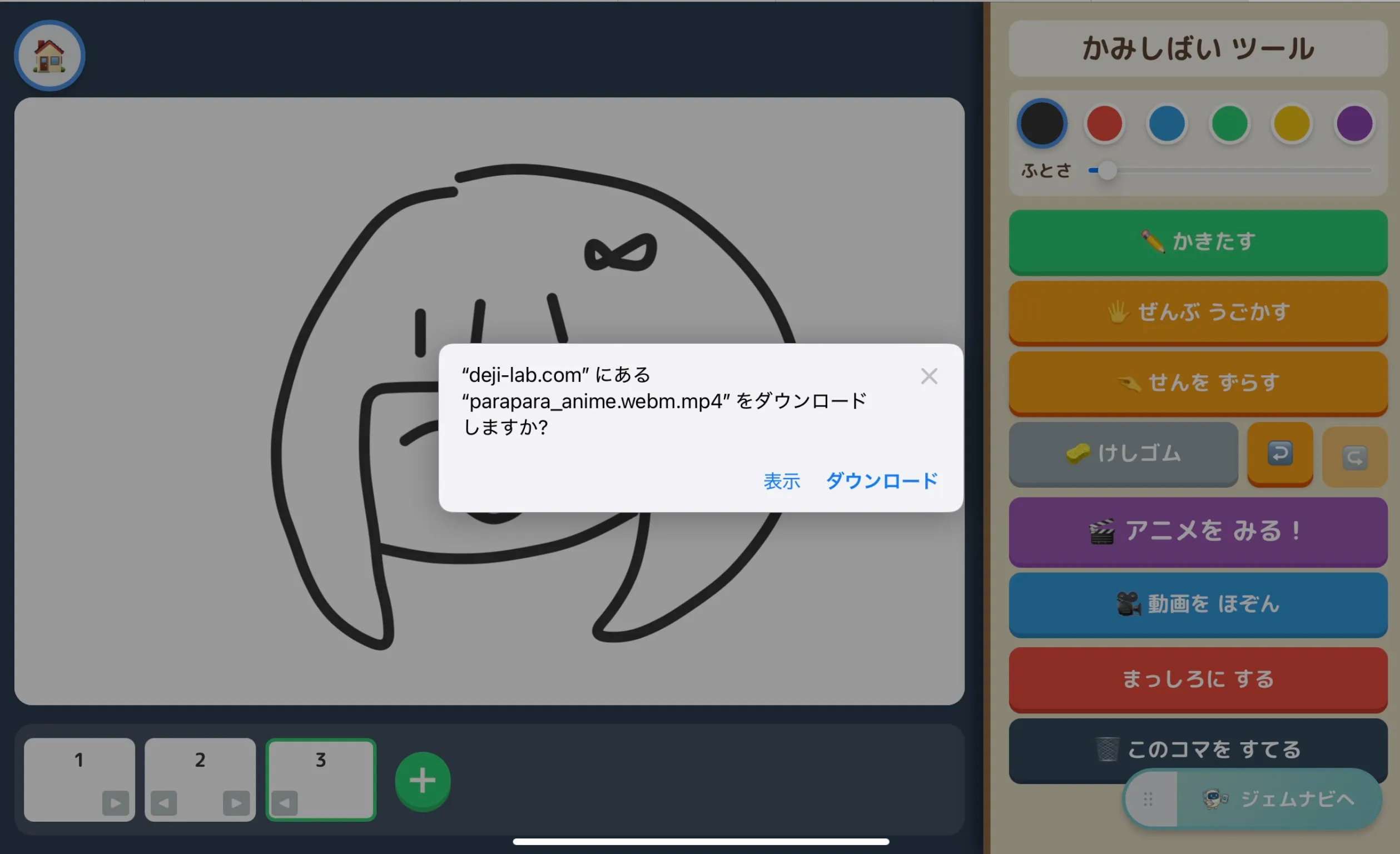
This is the ultimate feature for classroom use! By pressing the “🎥 Save Video” button on the bottom right, the created flipbook animation automatically downloads to the device as a real video file.
There’s no longer a need to teach complicated screen recording methods. Students can simply attach the downloaded video to assignment submission boxes (like Google Classroom), making lesson reviews and viewing parties incredibly smooth.
▼ Here is an actual video saved from the app!
🏫 Bringing “I Did It!” Smiles to the Classroom
Whether breathing life into original characters in Arts & Crafts or animating a scene from a story in Language Arts, the possibilities are endless!
Why not use the “Para-Para Animator” to bring out the ultimate smiles and sense of achievement in your students? Give it a try in your next class!
Comments