
Do your students mix up right and left when facing someone?
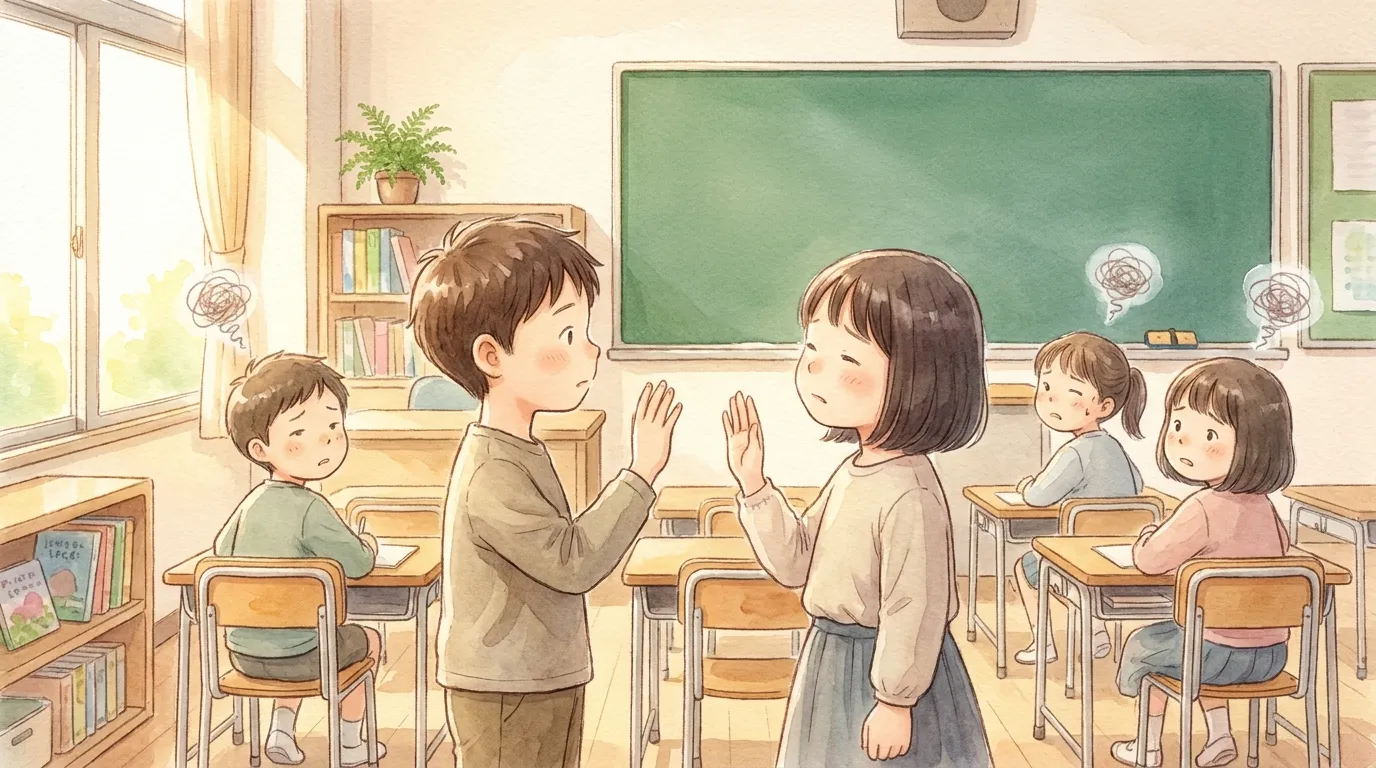
“They can turn right themselves, but they get lost when someone else turns right…”
“When students face each other to give directions, right and left get reversed…”
Do you run into these problems when teaching directions?
Thank you for all your hard work preparing lessons every day!
I’m Gem-emon, the development partner of Deji-Lab!
The hardest part of giving directions is thinking about right and left from the other person’s point of view. When someone facing you turns right, it looks like they are turning to your left.
That’s why I made “Which Way? Turn!”, an English quiz app where students predict which way Gem-emon will face.
It follows the same rules as our song video “Go! Gem-emon!”, so using them together works even better!
3 Key Features of This App
1. “Which way will Gem-emon face next?” A 4-choice quiz from someone else’s point of view!
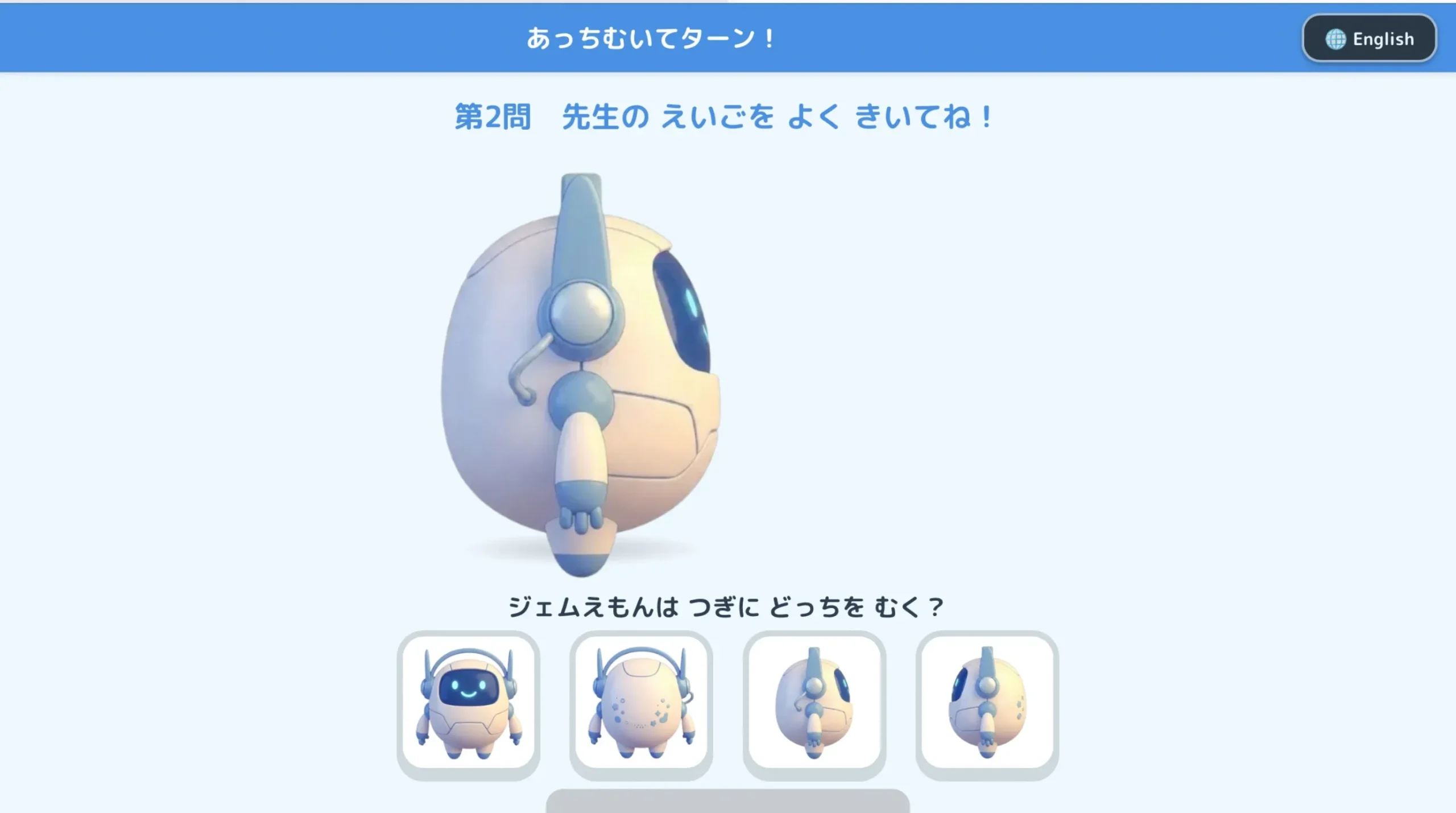
Gem-emon starts facing the front, the back, the right, or the left. Students listen to the teacher say “Turn right.” or “Turn left.” and choose from four pictures which way Gem-emon will face after turning.
When Gem-emon faces away, it’s easy because he faces the same way as the students. But when he faces the front, everything is reversed. Students can practice this “other person’s point of view” again and again through the quiz.
2. A flower circle for correct answers, and a “view from above” that shows why!
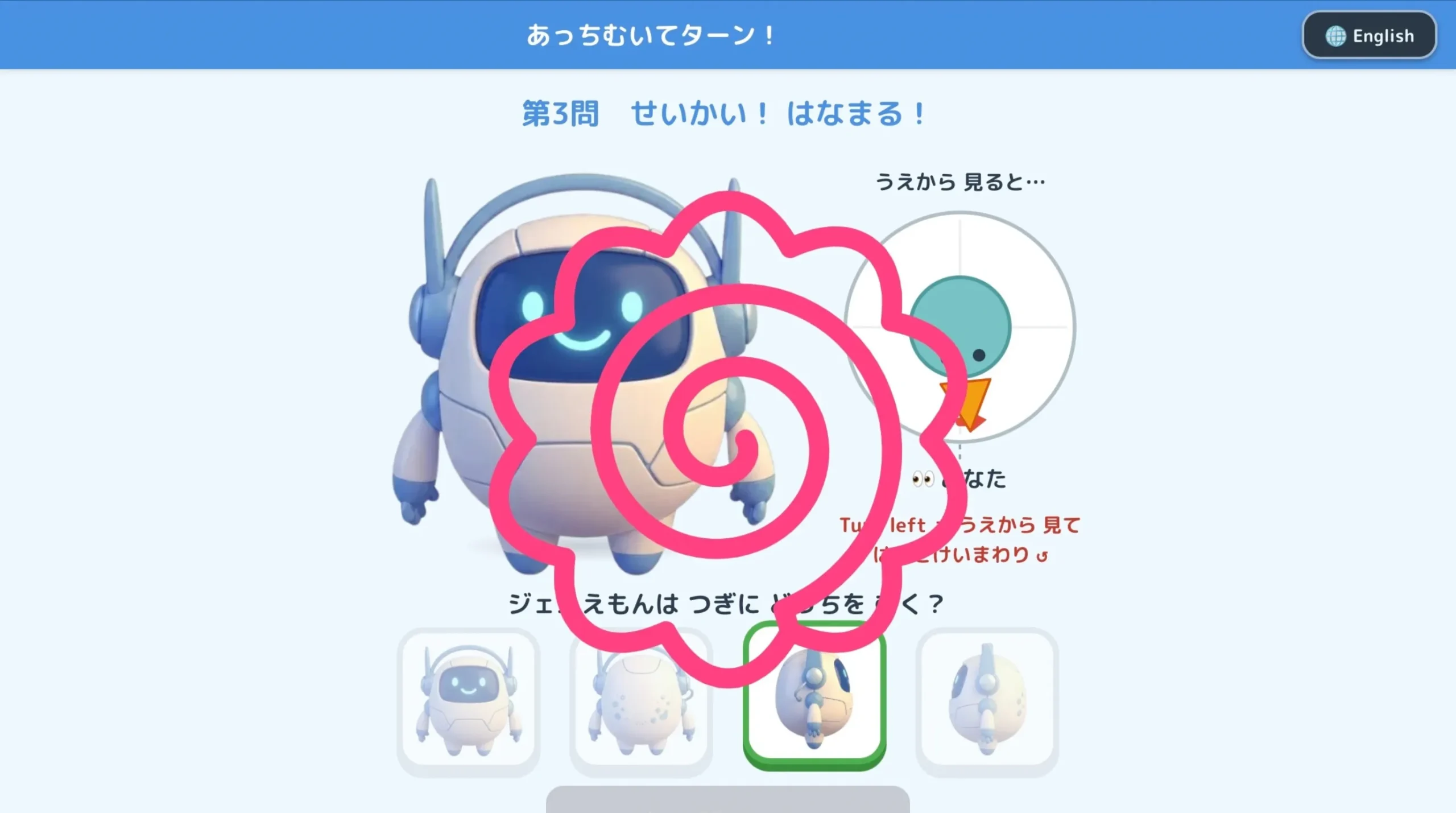
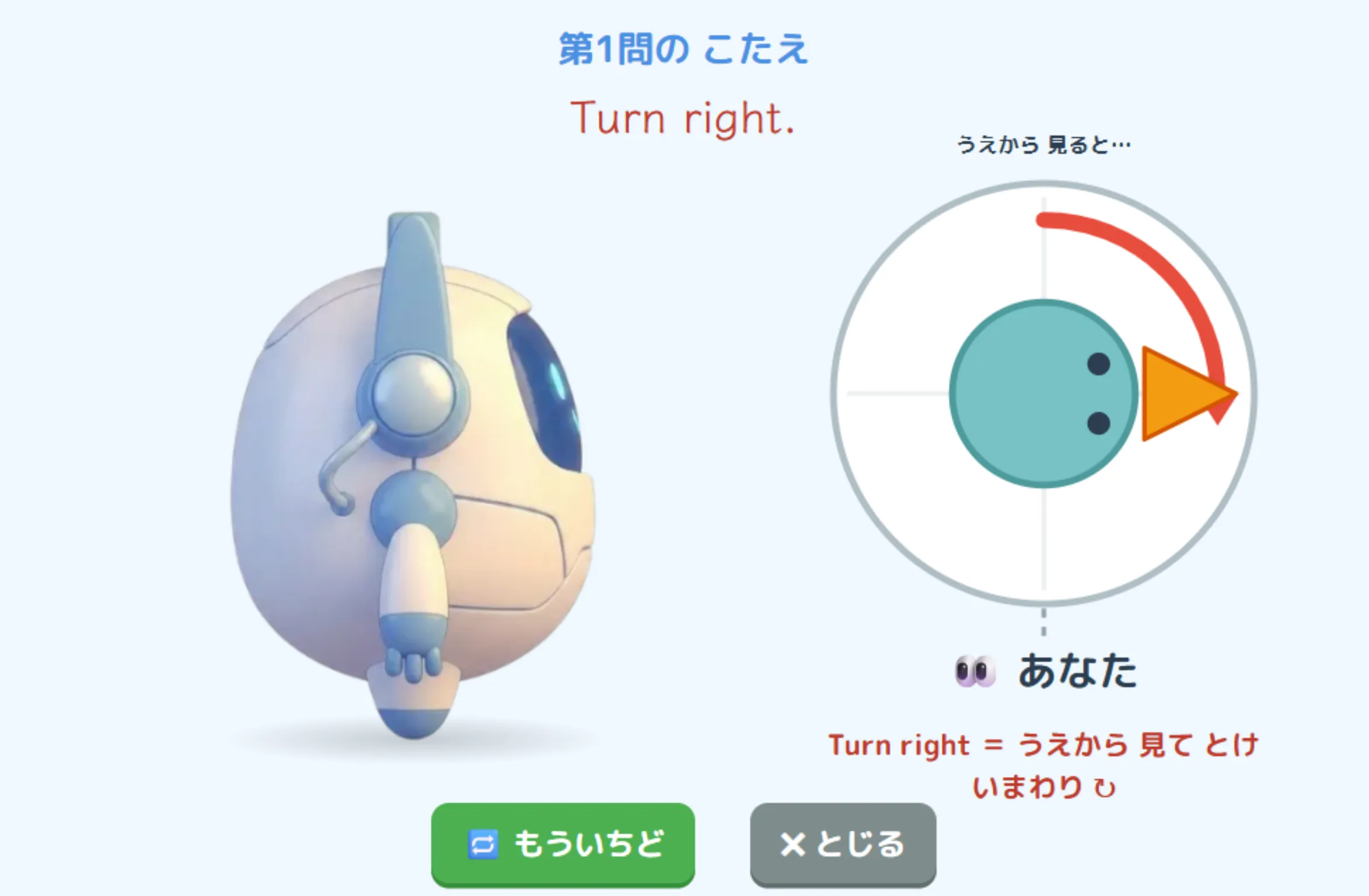
When students answer correctly, a hanamaru (a Japanese flower circle for “excellent!”) appears. Then Gem-emon turns around to check the answer.
At the same time, a “view from above” diagram shows which way his head turns. Even when students get it wrong, the app shows the correct move again, so they can understand why for themselves.
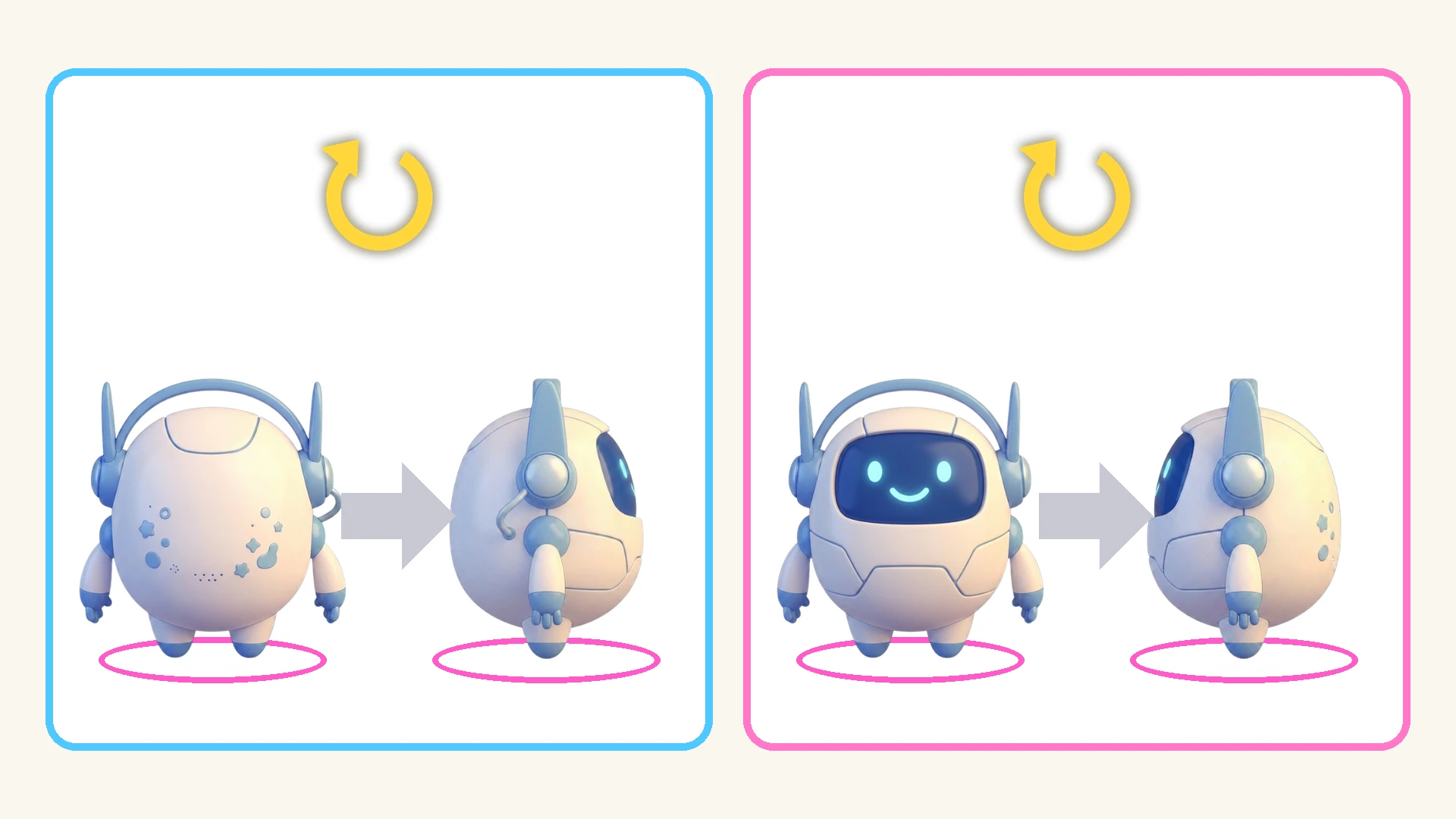
Whether he faces away or toward you, “Turn right” is always “clockwise from above.” The view changes, but the rule stays the same. With this one rule, students can answer confidently from any starting direction.
3. The whole class moves forward together with the teacher’s English!
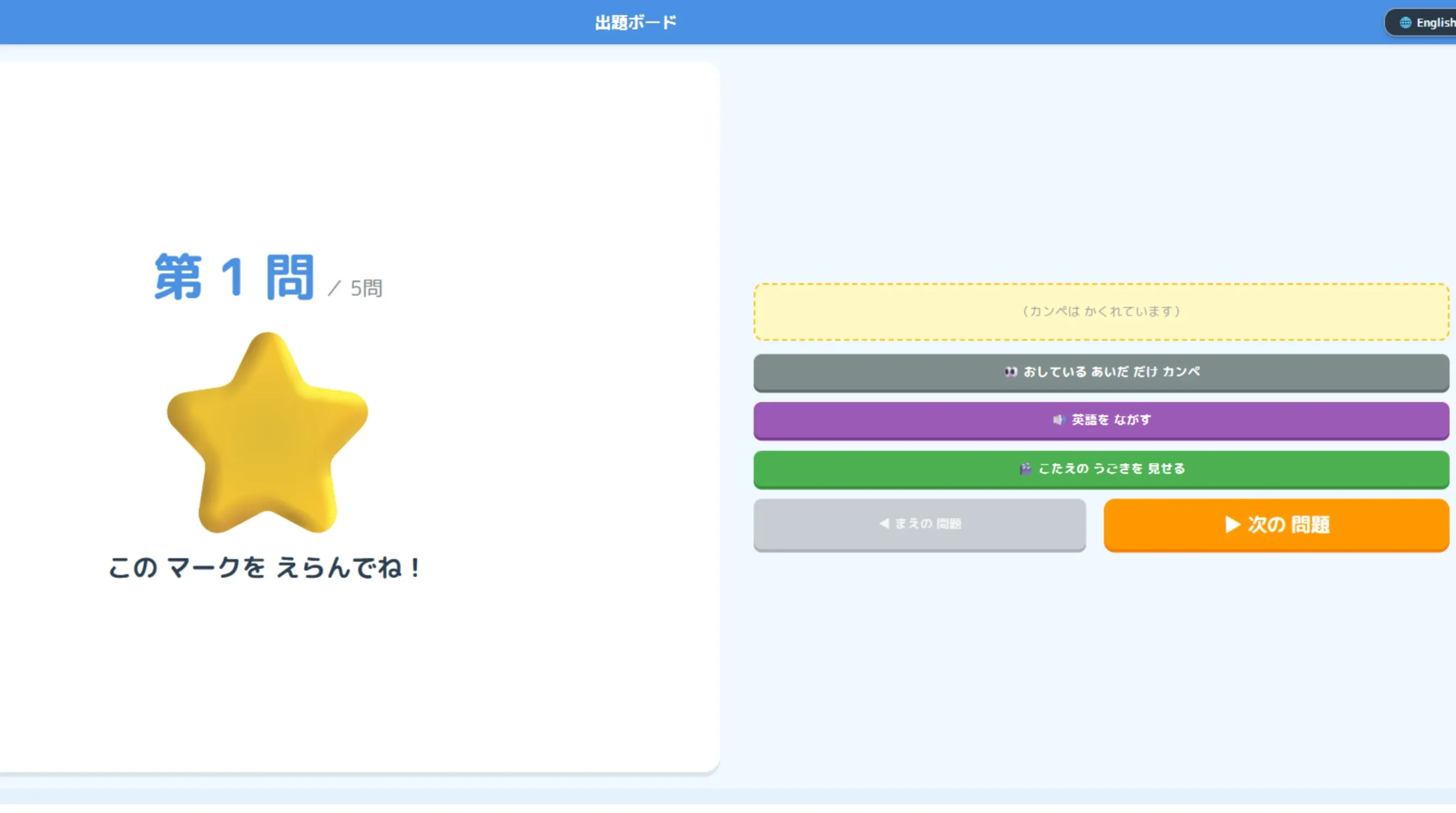
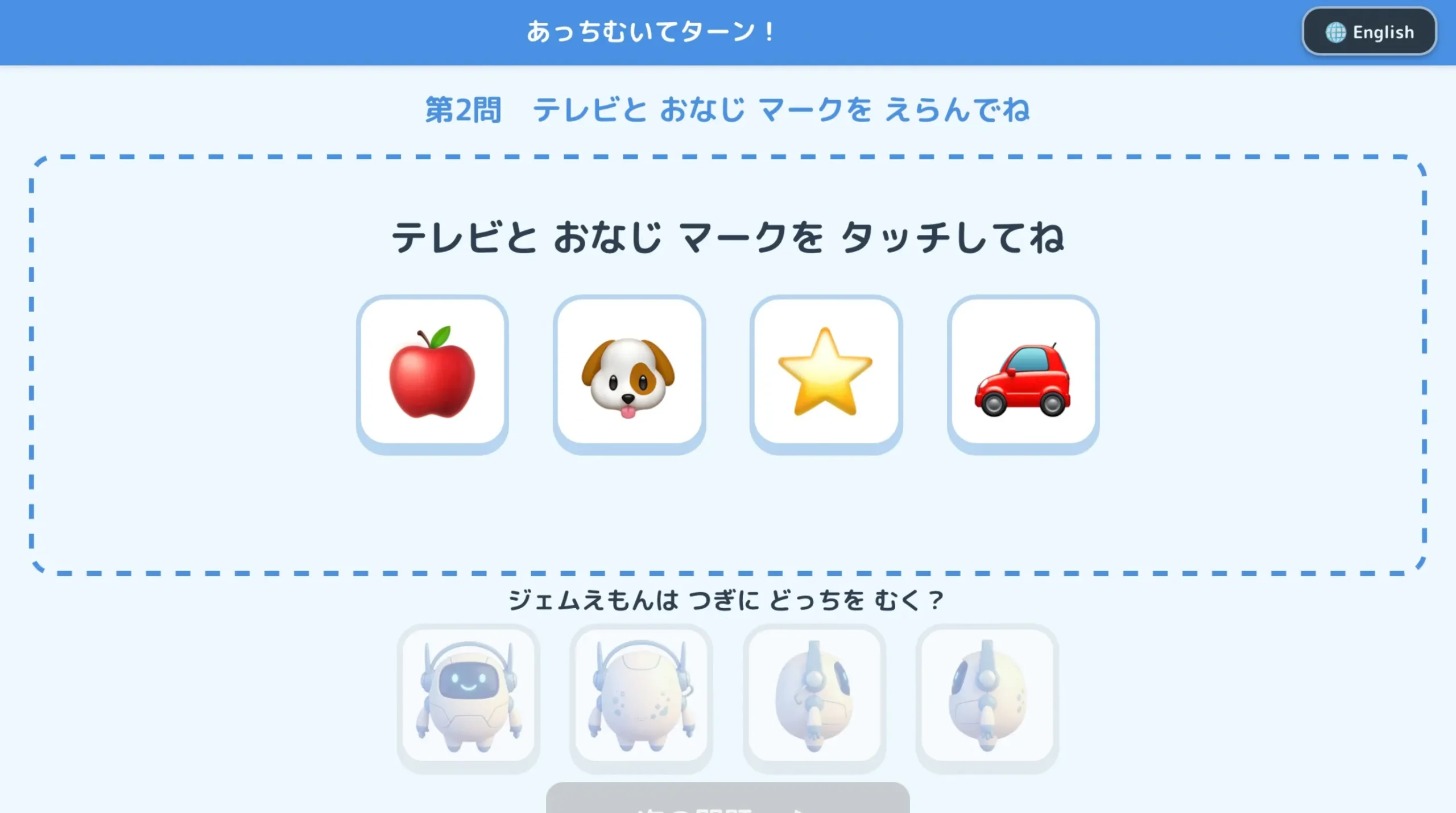
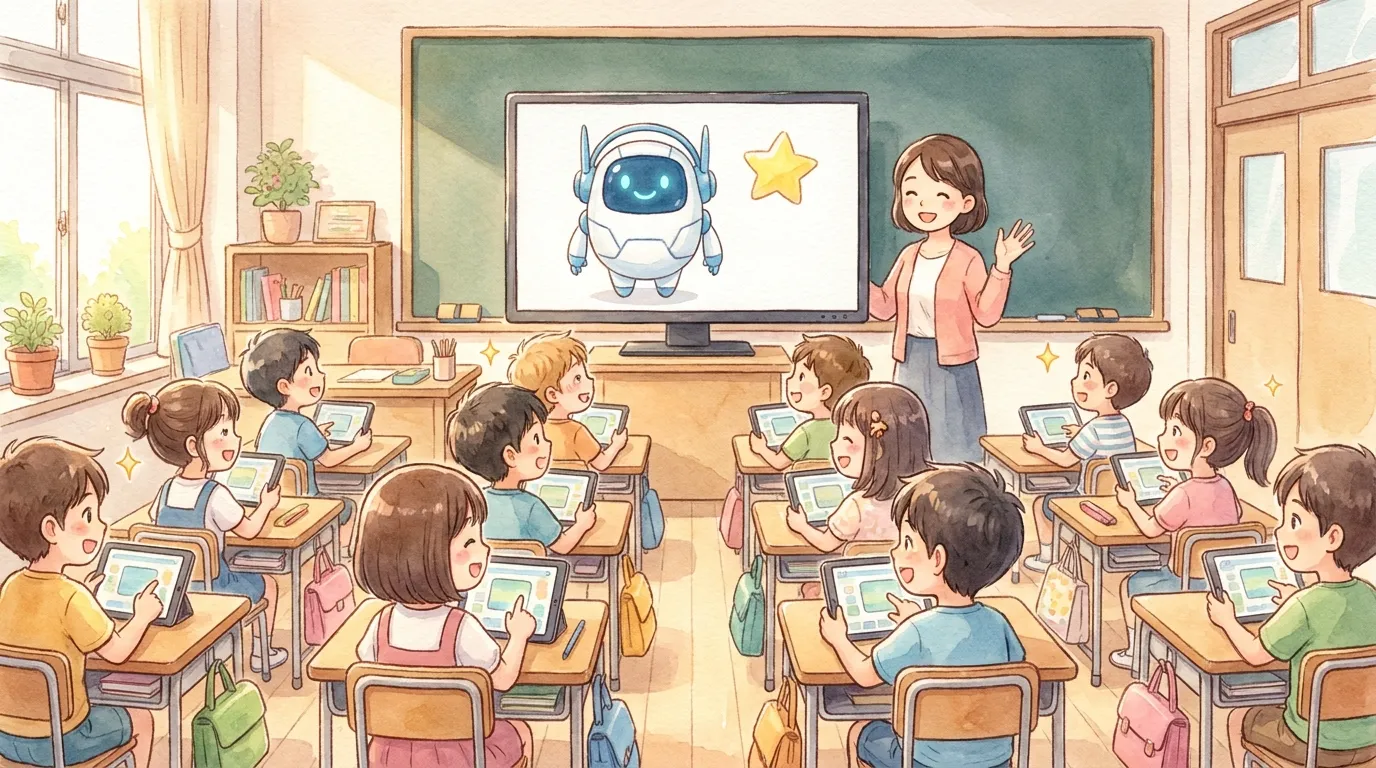
Show the teacher’s “Question Board” on the TV. When a mark appears on the board, students touch the same mark on their tablets to open the question.
The instructions come from the teacher’s voice, not the app, so students really listen to the teacher’s English. If you’re worried about pronunciation, just press the “🔊 Play English” button on the board.
If a student touches the wrong mark, the buttons lock for 5 seconds, so no one can skip ahead by guessing.
Screenshots
How to Use It
Setup is super easy! Click the “Open the App” button above to open the teacher screen.
1. Check the turns in Demo Mode
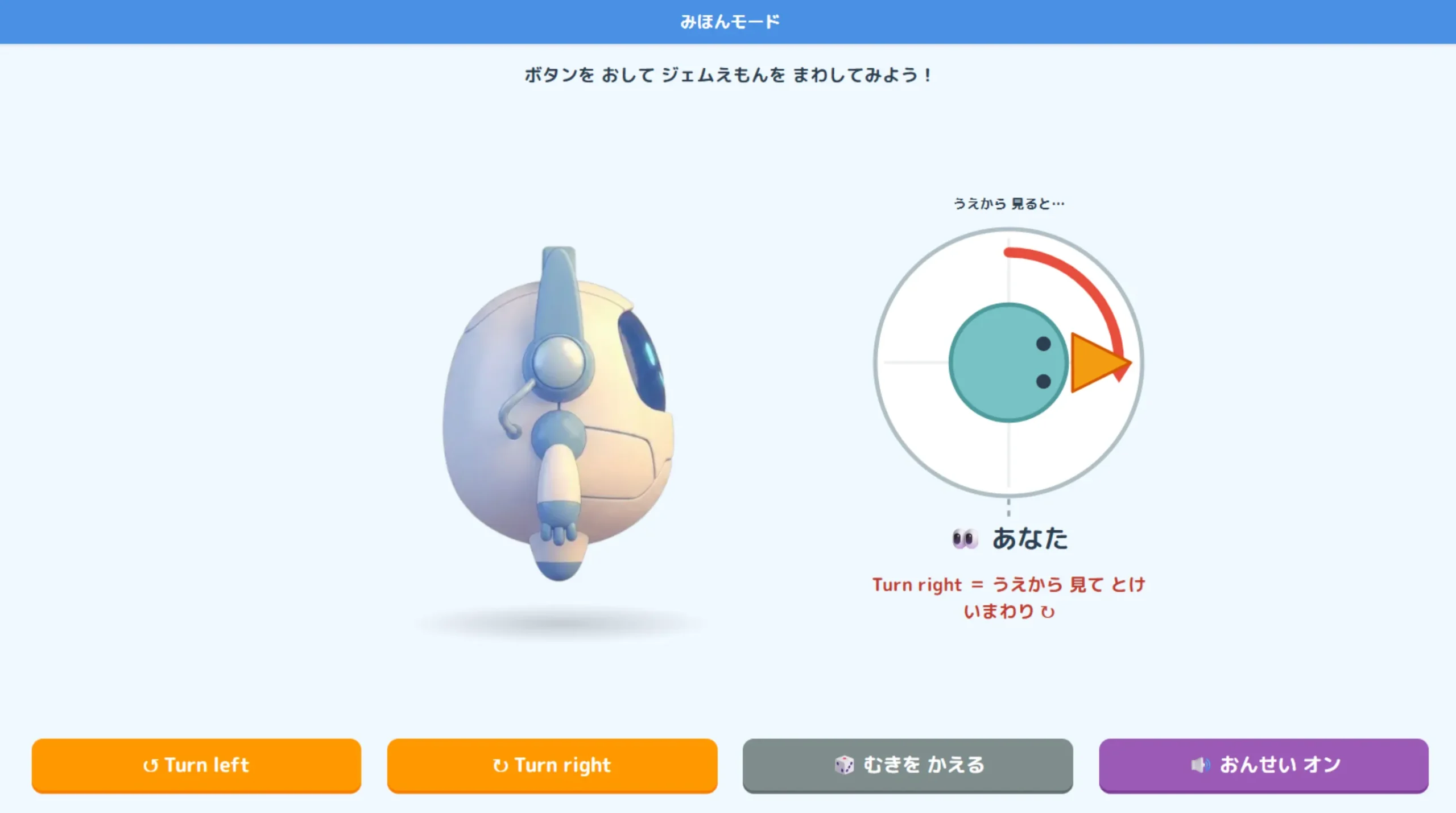
Start the lesson with “🎬 Open Demo Mode” on the teacher screen. Press the buttons and Gem-emon turns. Show it on the TV and confirm together that “Turn right is clockwise from above.” Press “🎲 New direction” until he faces the front, then turn him. You’ll probably hear some surprised voices!
2. Make questions and scan the QR code
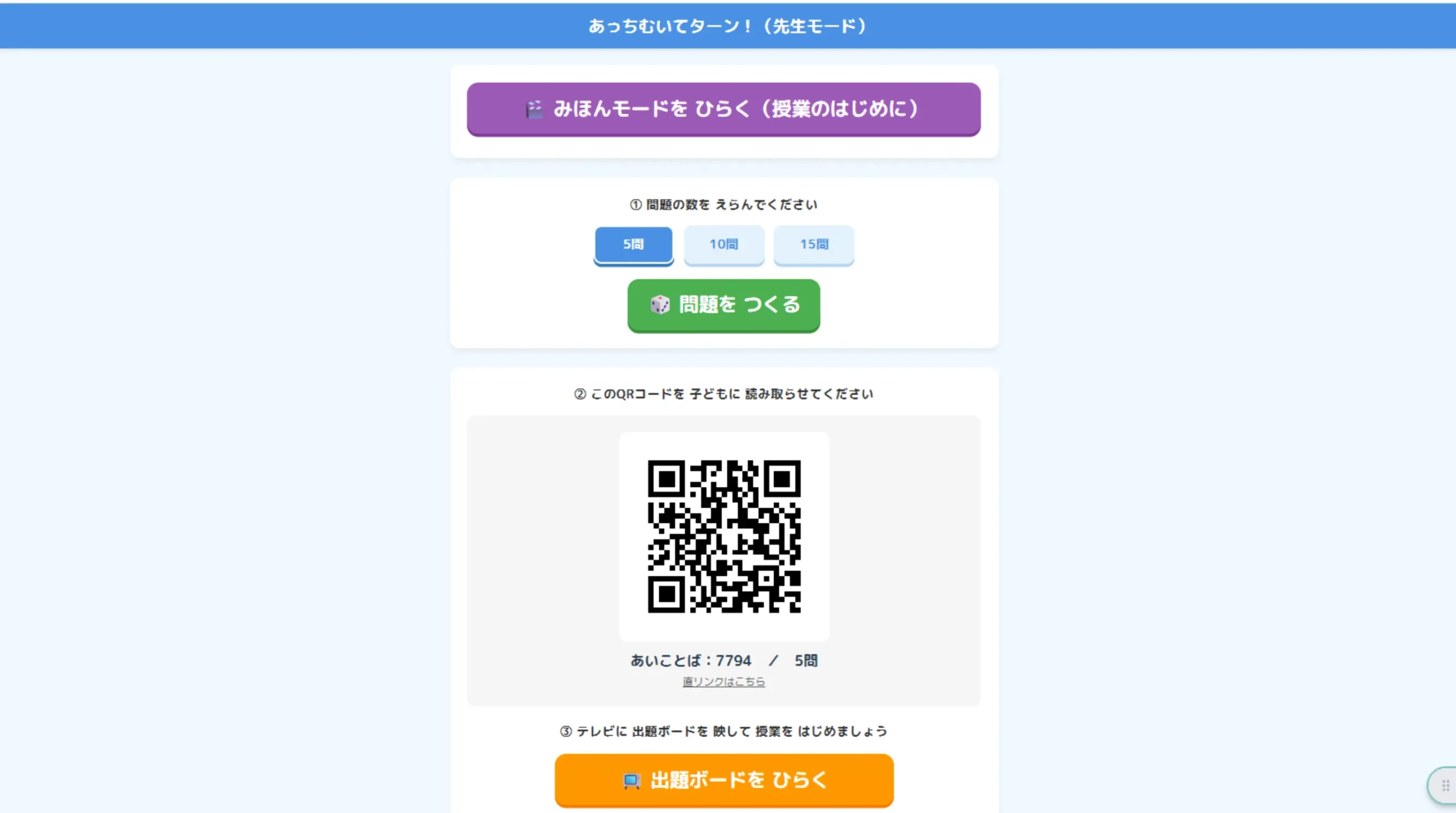
Choose the number of questions (5, 10, or 15) and press “🎲 Make Questions” to show a QR code. Students just scan it with their tablets. No login or name entry needed!
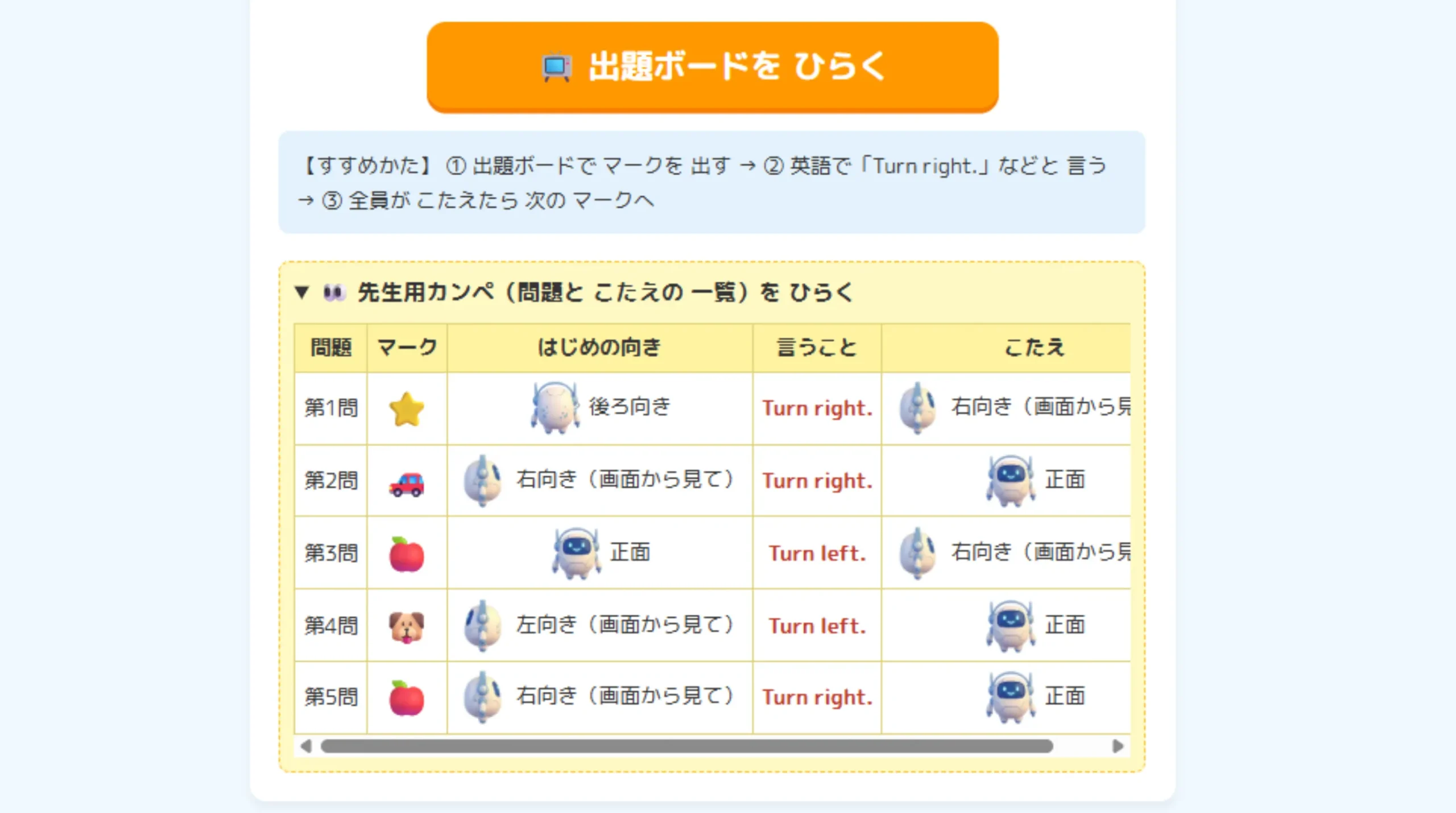
Open the “Teacher’s Cheat Sheet” to see all the questions and answers.
3. Show the Question Board on the TV and start!
Press “📺 Open Question Board” and show it on the TV. Then just repeat these steps:
- Show the mark: Press “▶ Show Q1.”
- Say it in English: Check with “👀 Hold to peek,” then say “Turn right.” or “Turn left.”
- Check the answer: When everyone has answered, press “🎬 Show the answer move.”
After checking the answer, try having everyone stand up and turn the same way as Gem-emon to learn it with their bodies, too. Warming up with “Go! Gem-emon!” at the start of the lesson is also a great idea.
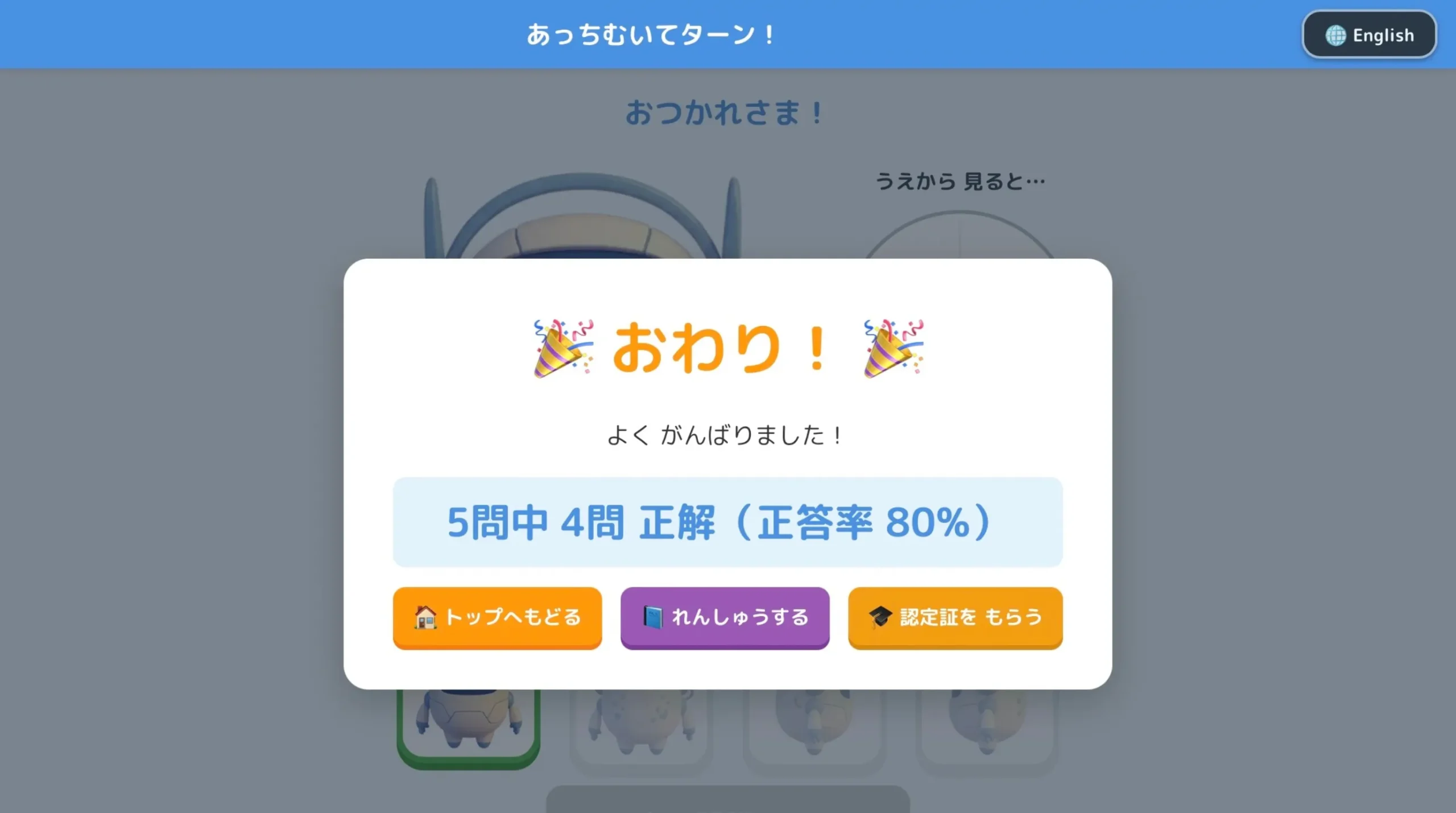
Students should use their tablets sideways. When they finish all the questions, they can get a certificate!
🎵 Go! Gem-emon! ~Turn right! Turn left!~
A 1-minute rap video for learning “Go straight,” “Turn right,” and “Turn left” by moving to the music.
Move with the song first, then think about “the other person’s direction” with this app to really boost direction-giving skills!
👇 Try it in your classroom! 👇
📱 Open “Which Way? Turn!”Connection to the Japanese National Curriculum (2017)
- Grades 5 & 6, Foreign Language (English): Language Activities — Listening
Comments